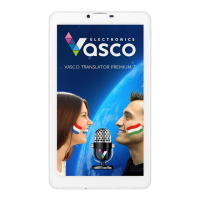
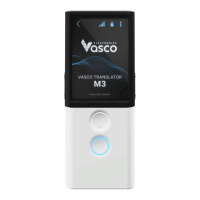
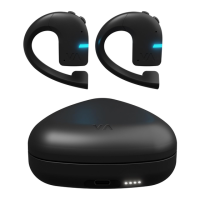
If you wish to unpair the earbud from your mobile phone
and connect it to the handheld Vasco Translator, you can:
• Open the Vasco Connect app on your phone and select
“Forget” next to your earbud, or
• Press both Volume Up and Down buttons on the earbud
at the same time for 3 seconds.
If you wish to restore your earbud to its default settings,
press the Volume Up and Volume Down buttons on the
earbud simultaneously for 10 seconds.
25


 To Next Page