24
5– Settings
Tutorials – you can check the instructions on how to use your
earbuds at any time by running tutorials from the settings menu,
which you can nd in the mobile app.
Updates – you can easily check for updates to your earbuds
and to the mobile app. Press the button in the settings menu to
proceed with the update process.
6– First-time use – using the handheld Vasco
Translator*
You can connect your earbuds to the handheld Vasco Translator
and enjoy the advantages of this bundle.
Please turn on the handheld Vasco Translator and take the
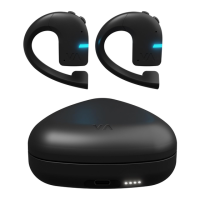
earbuds out of the charging case.
Make sure that your handheld Vasco Translator is updated
to the latest version.
Tap the earbud icon in the device’s main menu. The pairing
process will begin automatically, and the earbuds should
be found by Vasco Translator and listed in the app.
Follow the B, C, D steps in the section “First-time use –
using the mobile app”.
*Works on selected models only, for instance Vasco Translator V4.


 To Next Page