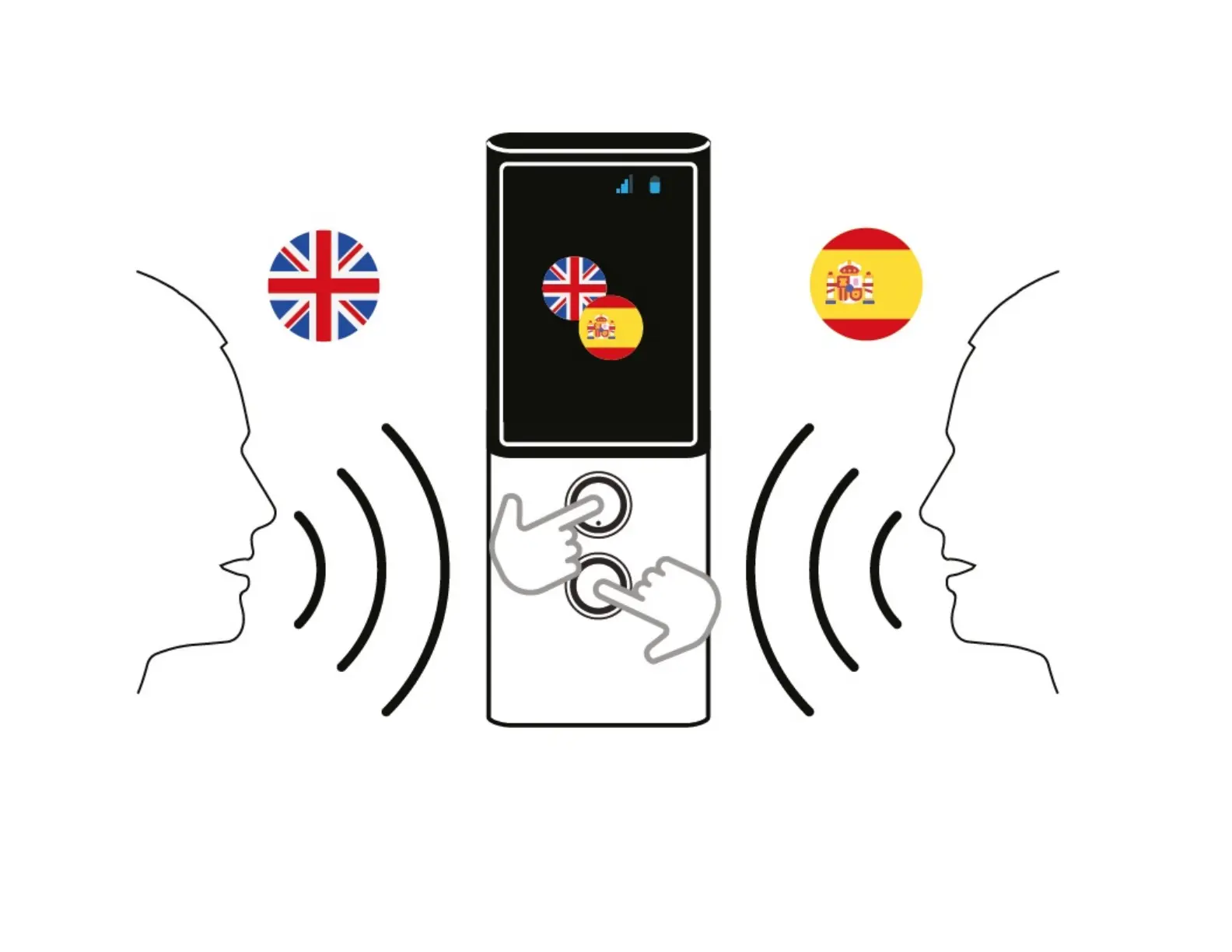
The buttons below the screen are used to enter text using the voice recognition function. In order to enter text for translation, press and hold the key or just
press it once and, aer hearing a beep, start speaking in a clear, even voice, from a distance of about one foot (30 cm).
When you finish, the translation is done automatically aer 0.5 second.



 To Next Page