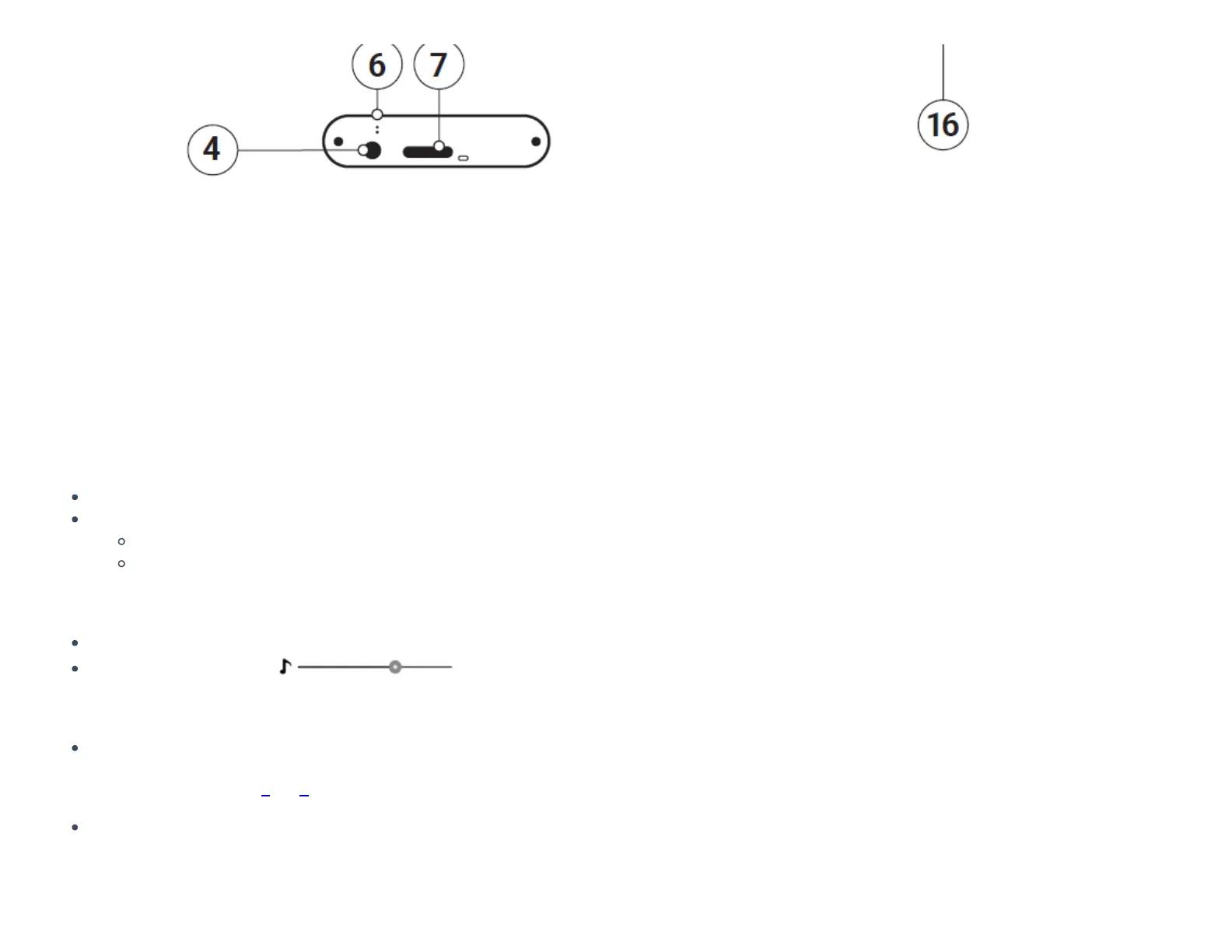
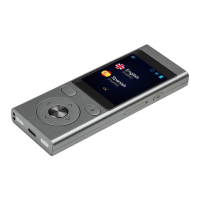
Function keys
Power (8)
Device turned o: hold this key for 3 seconds to turn on.
Device working:
push this key to turn the screen o, push again to turn it on
push and hold the key for 2 seconds and tap “Power o” to turn the device o
Volume
Device working: push up or down to increase or decrease the volume.
You will see this icon:
Back
The back button allows you to return to the previous screen.
Speech recognition buttons (2) & (3)
The language buttons serve to enter text using the voice recognition function.
Battery charging



 To Next Page