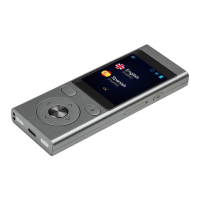
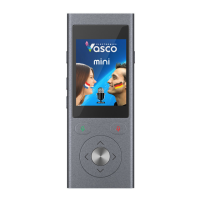
You will see the main screen of Vasco M3. The device is now ready to use.
Translator
Vasco Translator M3 recognizes your voice and translates full sentences into supported foreign languages. The translator pronounces the translated text out
loud. For the full list of supported languages consult the Vasco website. Vasco Translator M3 needs a GSM or WiFi network in order to translate. You can also
launch Translator from the “Application menu”. This is the first app on the list.
Choosing the source and target languages



 To Next Page