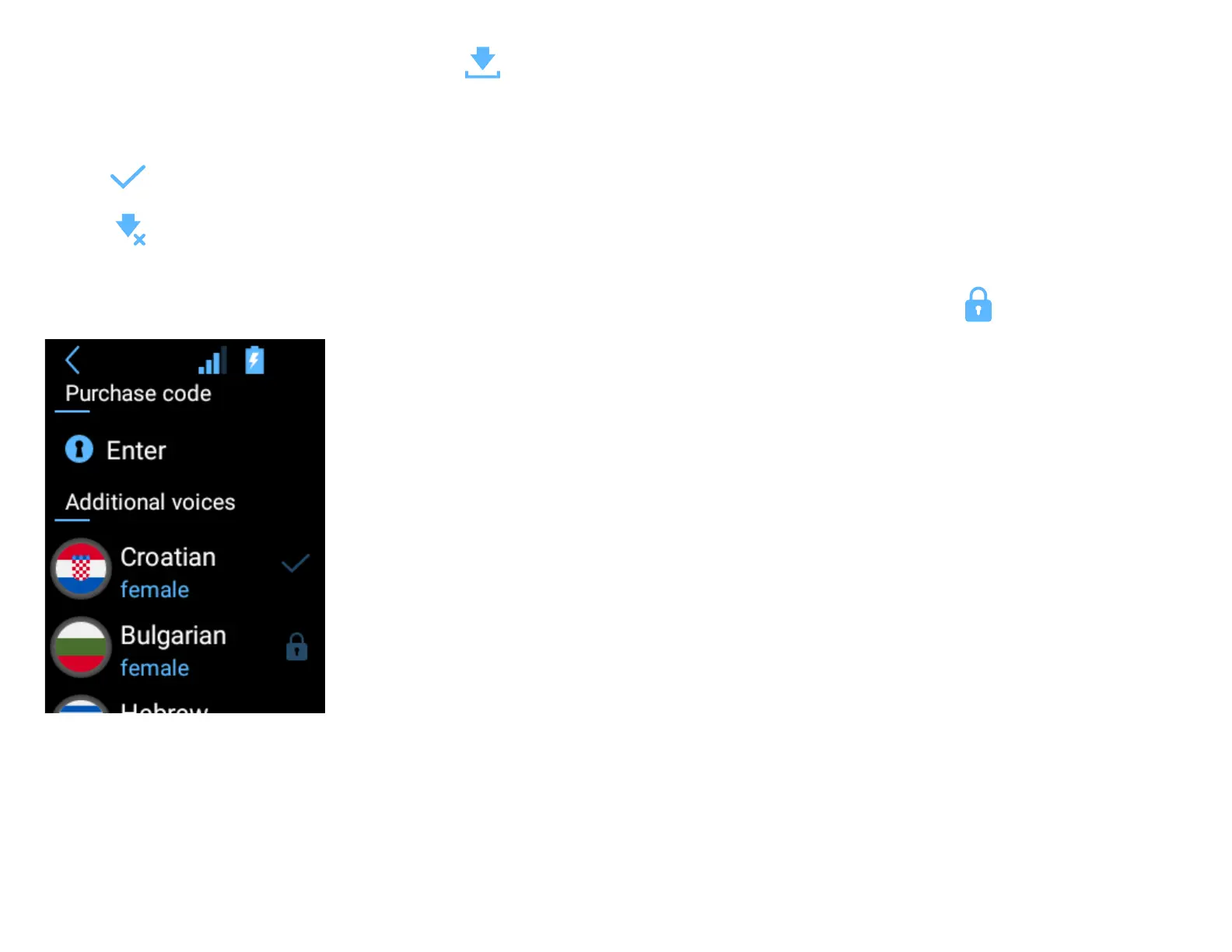
You need a Wi-Fi connection to download the voice. Press , to start downloading.
It can take around 15-20 minutes to download the extra voice, depending on the speed of your internet connection. You can still use your device during the
downloading process, but you should not switch it o.
The icon next to a language name indicates that the voice has been installed.
The icon indicates that the downloading process has been interrupted. Check your Wi-Fi connection. The download will resume automatically aer the
connection has been established again.
Additional voices which are available in the web store, but have not been purchased yet, are marked with the padlock symbol: .
Check for updates
If a new version of the soware is available, you will see information about it aer tapping “Check for updates”. In order to update the device, download and
install the application, tap “OK” and reboot the device. If there are no new updates you will see “No new updates”. If you see “Device not registered”, please
contact the seller.
Tap “Details”



 To Next Page