Getting Started Basic Operation
EN/11
EN/10
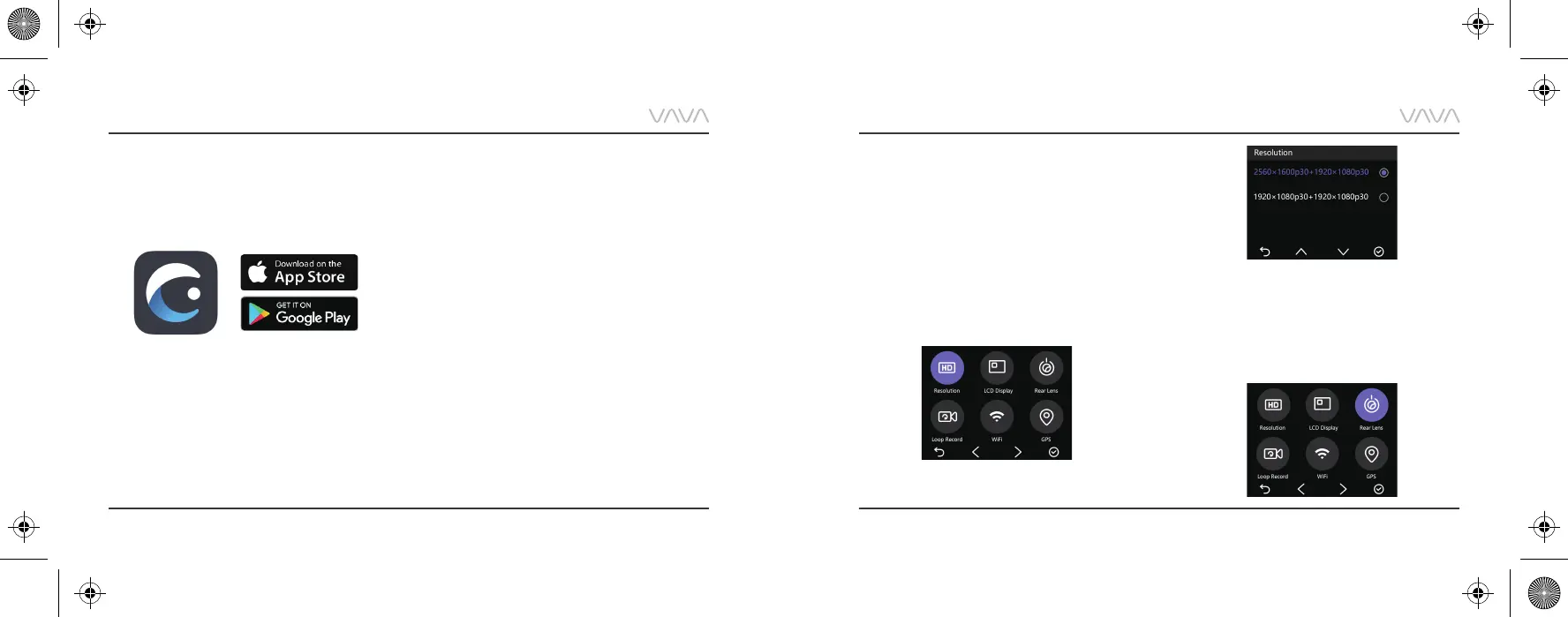
VAVA Dash APP Download
1. Before using the device, please download the
“VAVA Dash” APP from the App Store (iOS devices)
or Google Play (Android devices).
2. Connect your Android / iOS smartphone with the
VAVA Dash Cam through Wi-Fi: Settings > WLAN >
Select “VAVA Wi-Fi” > Enter password
(default: 12345678) > Open the VAVA Dash App.
1) Select “Resolution” to manually set the resolutions
for both front and rear cameras. Front camera
supports 2560*1600p 30fps Max. Rear camera
supports 1920*1080P 30fps Max.
2) Resolutions for both front and rear cameras running
at the same time:
2560*1600P @30fps+1920*1080P @30fps
1920*1080P @30fps+1920*1080P @30fps
Video Resolution
1) Select “Rear Lens” to turn on/off the rear camera.
2) You can turn off the rear camera individually with the
front camera working normally to protect your privacy.
Rear Camera ON / OFF



 To Next Page