3
How to use your V-031
To turn the appliance on and off
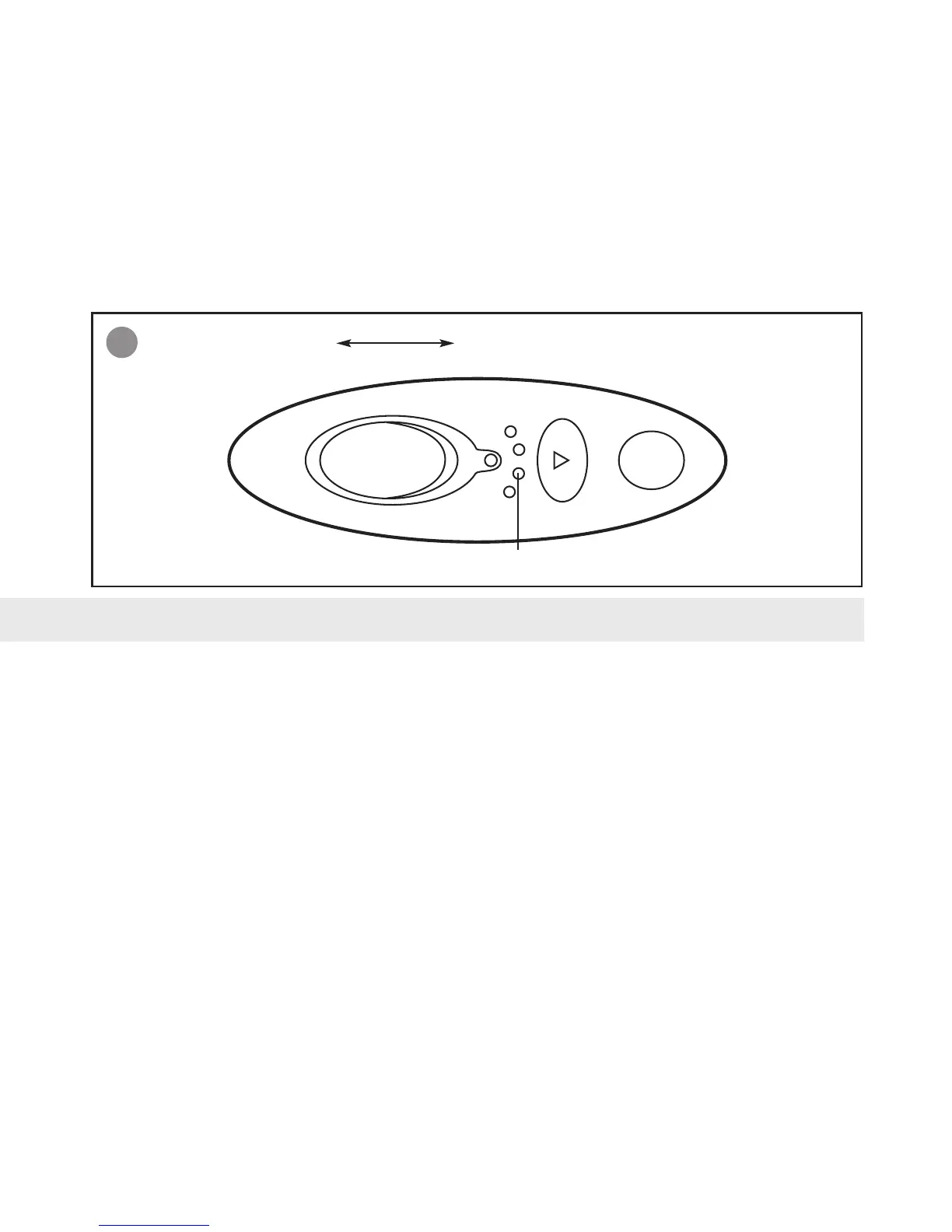
fig. 3 To turn the appliance on, slide the on/off switch into the ‘on’ position.
To turn the appliance off, slide the on/off switch into the ‘off’ position.
Battery charge status
The four green LEDs (A) indicate the remaining battery charge. If all four LEDs light up, the batteries are fully charged.
The fewer LED indicators that light up, the lower the remaining battery charge. If only one LED lights up, the battery
charge is low and the appliance should be re-charged. The batteries can be re-charged 300-350 times.
Battery disposal
This product contains lead-acid batteries, which must be disposed of properly. For disposal information, please
call the VAX Care helpline on 0870 6061248.
4
ONOFF
A



 To Next Page