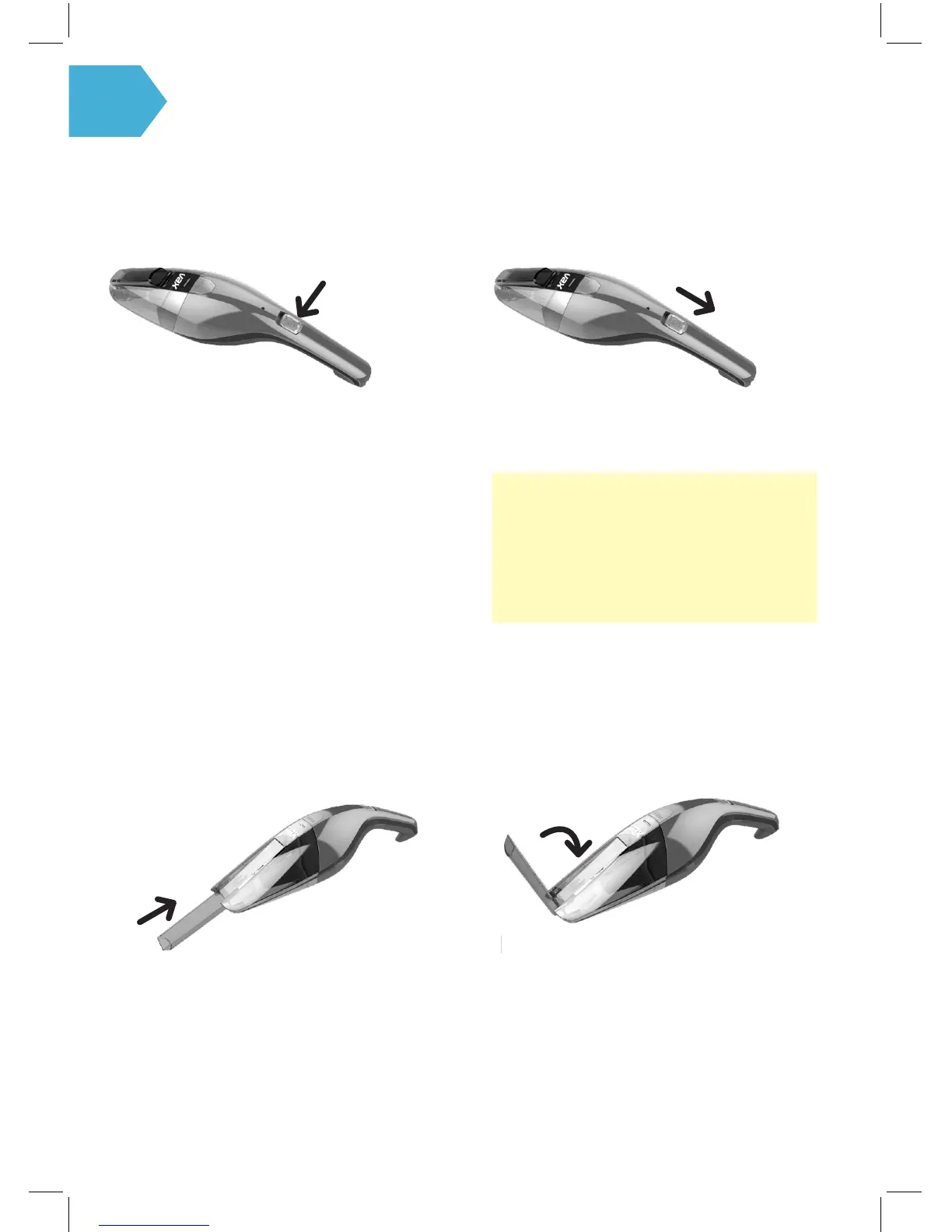
Turning your machine On and O
Slide the power switch to the ON position. ` After using to clean, slide the power switch to the
OFF position.
NOTE: Empty dirt cup after each use or when
full. Check the lter to see if it needs cleaned.
TIP: The power switch must be in the OFF
position for the unit to charge.
PUSH
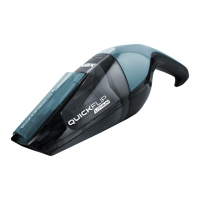
Quick ip crevice tool
Flip crevice tool out to line up with the entrance
then push in until secured in place.
To store crevice tool: gently pull the tool away from
the dust cup and ip the tool up towards the unit
& press down until you feel it lock into place.
FLIP


 To Next Page