6
①App name is "vaxis vision" ,Download in app storeg
②Usage method
a. Open app "vaxis vision" to select the connection
device
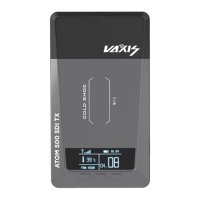
b. Long press TX menu key for 3S, switch to SSID,
and input WiFi name (VX a00001) to app
c. The TX menu is switched to PWD<CURRENT>,
and the 8-digit number displayed is WiFi
password. Input it to app and click Connect.
Common troubleshooting
1. Connectionexception
a. PleasecheckwhetherTX/RXpowersupplyisnormal
b. When RX is always displaye d as link, please restart TXRX /
switchtoacleanfrequencypoint
2. Displayabnormalproblems
a. Pleasecheckwhetherthevideo
sourceisconnectedtoHDMI
incorrectly
b. Please check whether the signal format can be normally


 To Next Page