25
8,
DISPLAY DESCRIPTION.
This paragraph contains the description of the touch-screen display for programming and controlling
all the parameters of the Domobar Super Digital and Domobar Super Analogic machine.
8.1,
FIRST IGNITION.
· The first time you turn on the machine, the basic parameter configuration wizard will start.
Specifically, the user will select the program language, the temperature measurement unit (°C or
°F), set the time, set the date and choose the machine on/off mode (manual or automatic).
· In all the screens use the right arrows ( ) to scroll through the options, press the keys (
) to set the times and press the button ( ) to confirm the choice.
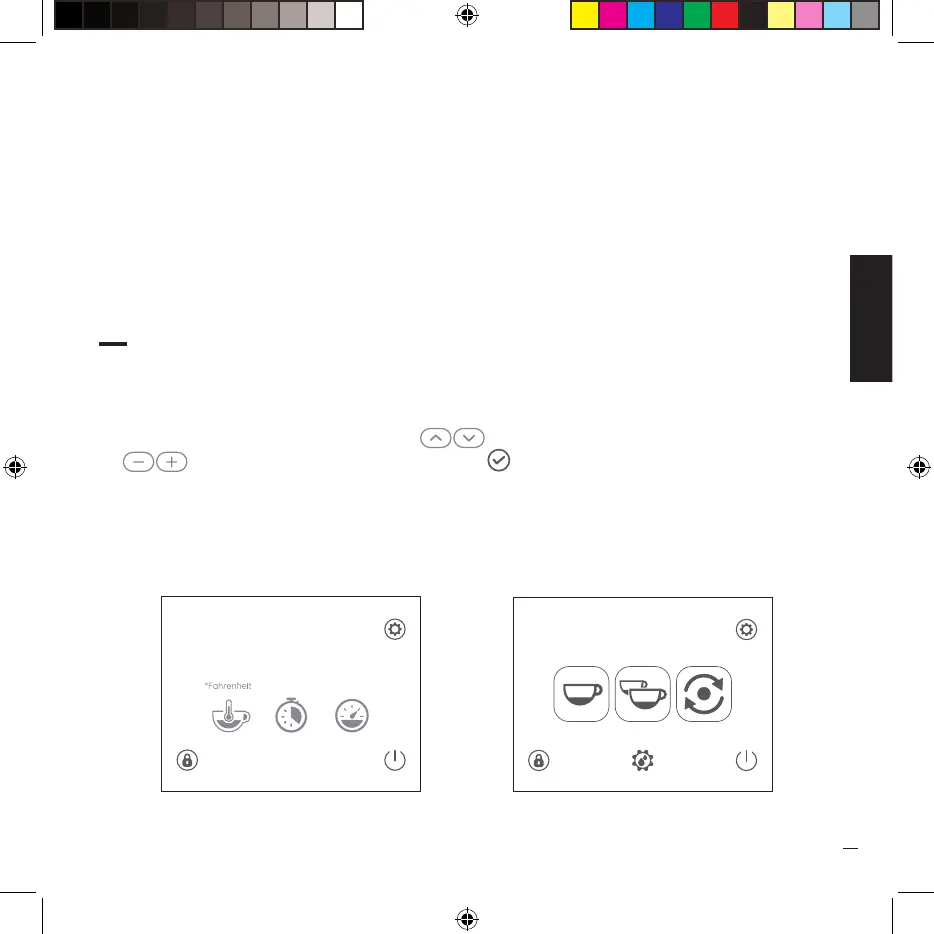
· Once the guided configuration procedure is finished, machine preparation starts and the main
“HOME” screen will appear.
Seconds
31
Bar
2.5
506
00:00
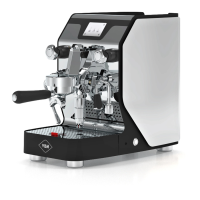
HOME Domobar Super Digital HOME Domobar Super Electronic
00:00


 To Next Page