35
8.4,
STA N D- BY
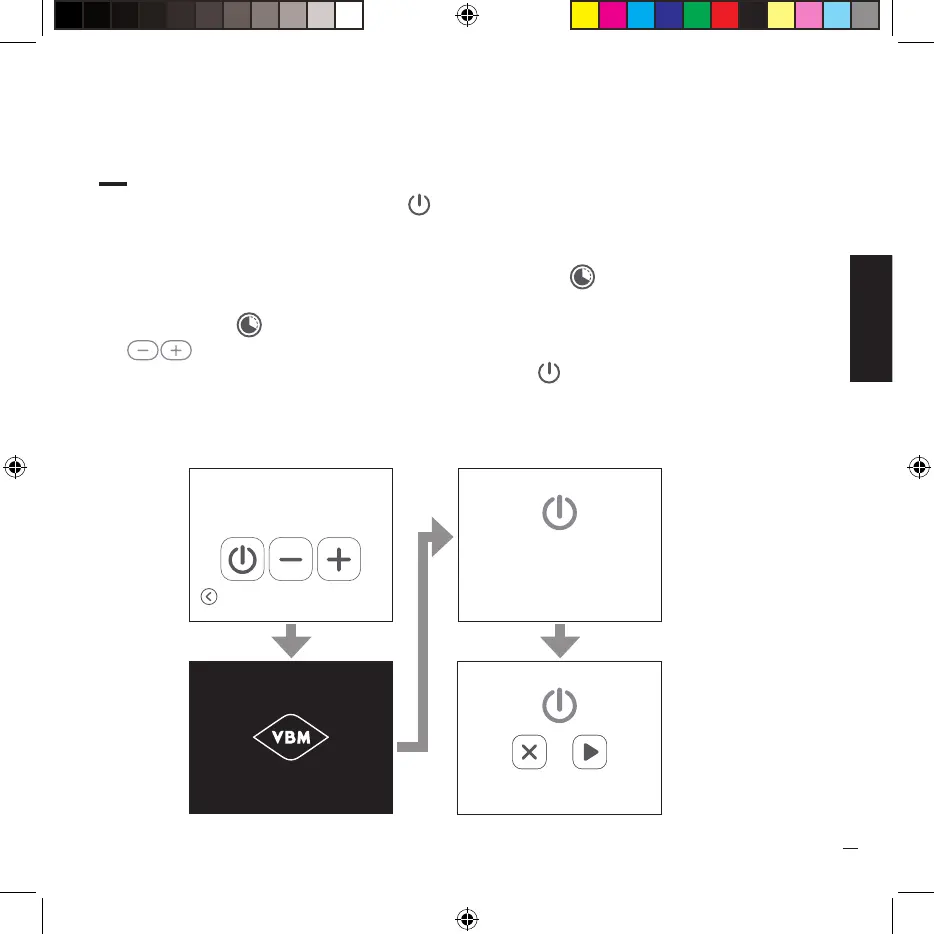
· On the “HOME” page press the icon ( ) to enter stand-by mode, the machine is disabled and
the display turns off.
· To reactivate the machine, touch the display for 3 seconds.
· If the automatic on/off mode has been activated, the icon ( ) will be present on the “HOME”
page.
· Press the icon ( ) to anticipate or postpone the programmed shutdown (each press of the keys
( ) corresponds to an increase or decrease of 10 minutes).
· To immediately deactivate the machine, press the icon ( ).
· To reactivate the machine, touch the display and follow the indications on it.
00:00
Turn-off time
Extra Programm.
The machine is not operating.
Tap the screen to restart.
Undo
Restart


 To Next Page