34
COFFEE BREWING TIMES
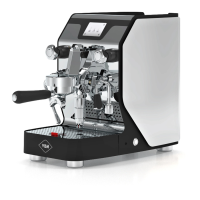
(ONLY FOR DOMOBAR SUPER ELECTRONIC)
· With the Domobar Super Electronic, the user has the possibility to set the desired quantity of
coffee for each type of dispensing.
· By pressing the icon ( ) on the “HOME” screen, you access the dispensing setting pages where
the user has the option to choose what to change between a single short or long coffee
brewing and two short or long coffees brewing.
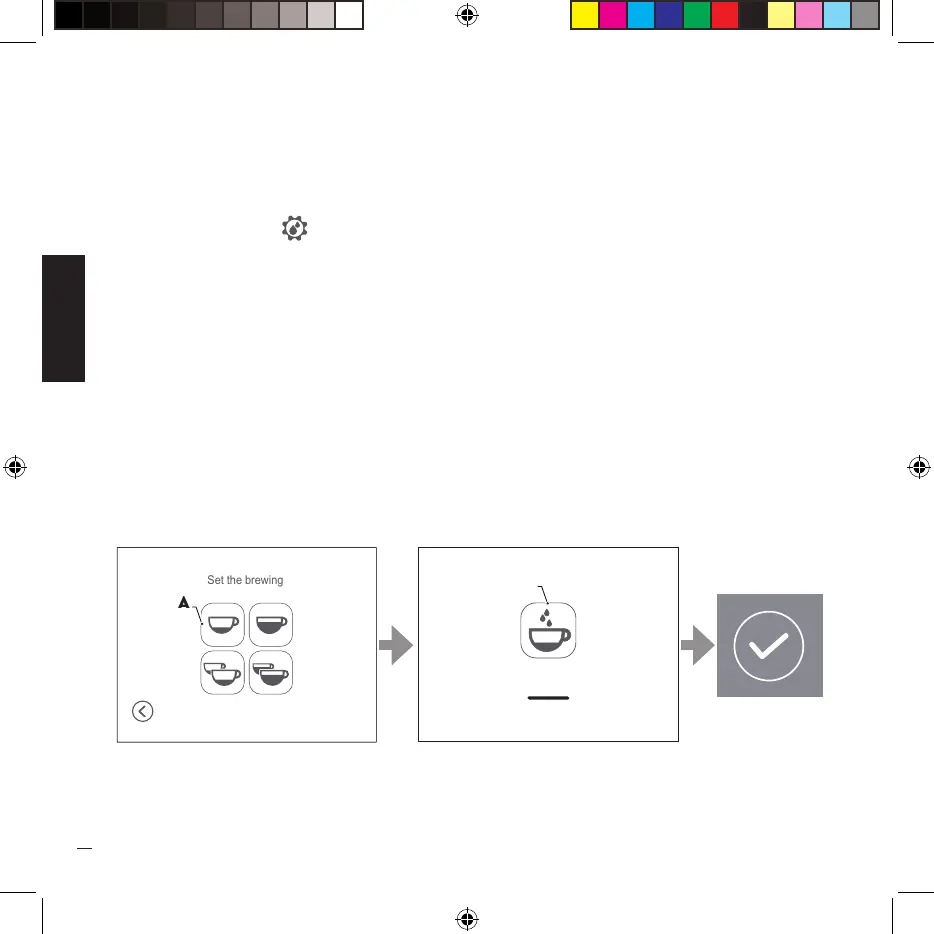
· The following example describes the procedure for changing the quantity of brewing for a short
single coffee, the procedure is also valid for changing the other types of brewing.
· Place a cup under the filter holder and press the icon (A) to start the coffee quantity variation
procedure.
· You move to the next screen and the machine starts dispensing coffee; once the desired
quantity is reached, press the icon (B) to stop dispensing and confirm the change.
00”
B


 To Next Page