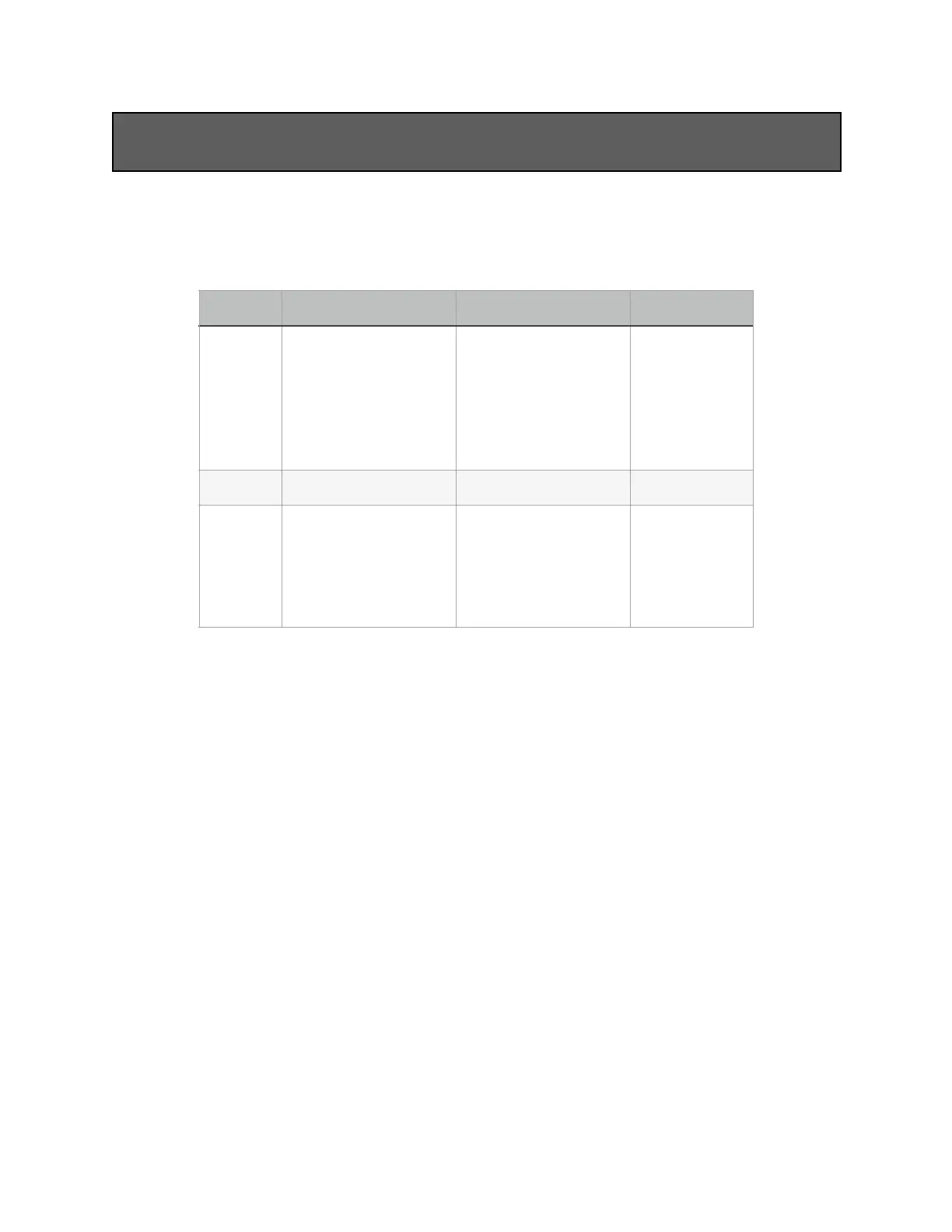
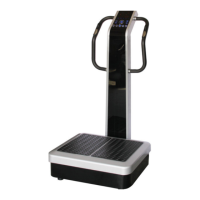
1. The program button programs your workout into the machine’s memory. P1-P3
are default automatic programs, U1-U3 are user defined programs.
A. Default Programs
B. User Defined Programs
1. Press ‘MODE’, then ‘P’ to choose the program set desired (U1-U3). The
chosen icon will start flashing.
2. A bar will appear over the H icon and the L icon, which means that
programming has started.
3. Press the left ‘SPEED +/-’ buttons to set the H speed and the right ‘SPEED
+/-’ buttons to set the L speed.
•
For example, to choose speed five (5) for the H vibration and speed
eight (8) for the L vibration, the left side of the screen should read ‘5’
and the right side of the screen should read ‘8’.
4. Press the ‘TIME +/-’ buttons to set the time for each vibration speed.
•
For example, to choose four (4) seconds, the time displayed should read
‘TIME 4’.


 To Next Page