17
* Depending on version
Useful tips
Display shows 'CD ERROR' and set beeps.
• Check that the discs have been inserted the
correct way and that you have not inserted a
damaged or dirty disc.
Distorted sound during playback.
• Player unable to read disc. CD damaged or
dirty.
Display shows 'NO CD'.
• Check that the CD mechanism or CD magazine
has been loaded with disc(s).
Display shows 'NO MAG'.
• No CD magazine in the CD changer.
Useful tips
Display shows 'NO FRONT'.
• Check that the front of CD changer has been
closed.
CD player does not function?
• If the weather is cold, there may be some
condensation on the laser. Use the set in radio
mode for about 5 minutes to allow the moisture
to evaporate.
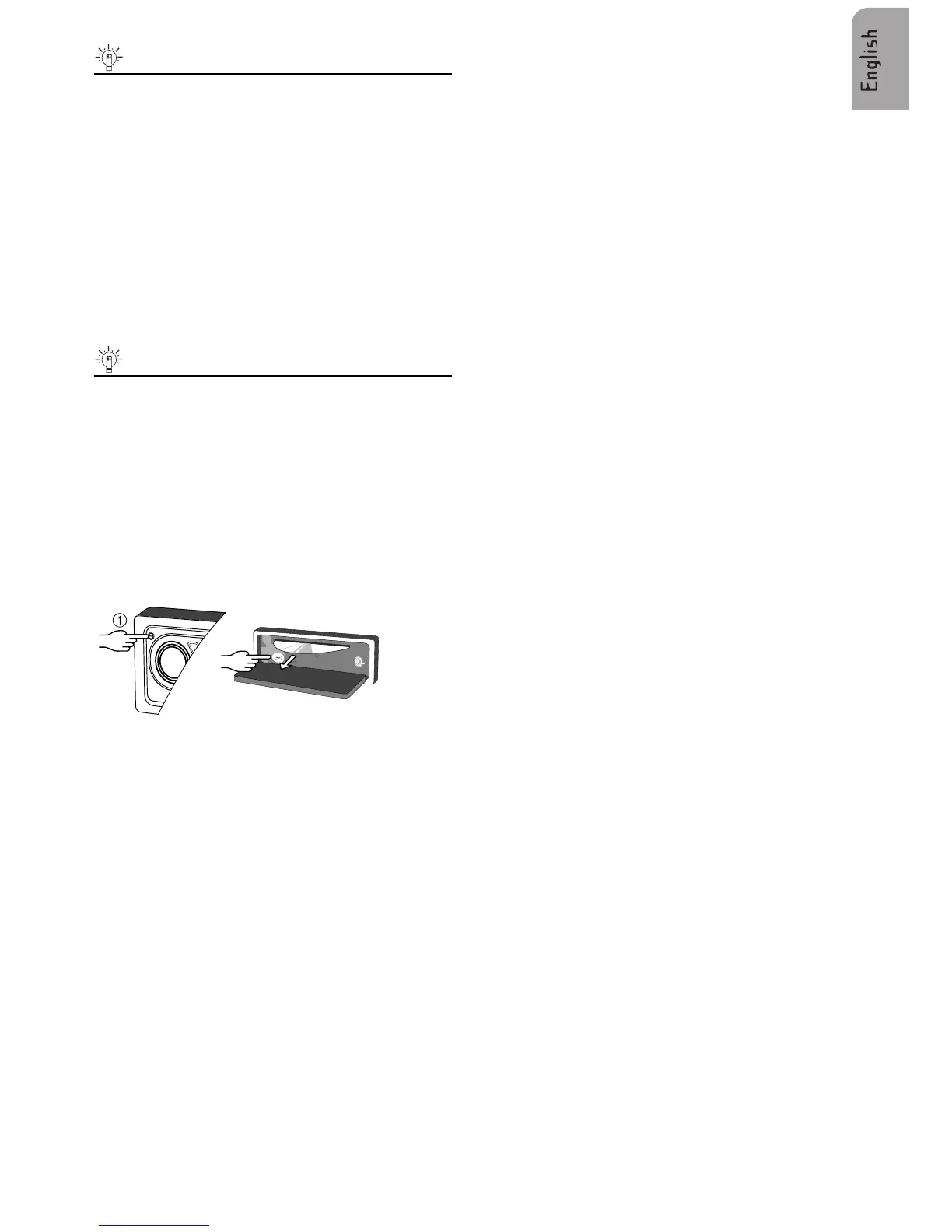
DISC EJECT (CD Player) (CD2100 / CD2200)
If the disc is not removed within 15 seconds, the
CD player will reload the disc.
CARE OF DISCS
– Avoid making fingerprints on the disc
– Put the disc back in its box immediately after
eject it, to protect the disc from damage and
dust.
– Do not expose disc to heat or direct sunlight.



 To Next Page