10
* Depending on version
SOURCE
• Press to select the desired source :
- TUNER
- TAPE*/CD*
- CHANGER (if connected)
- HFREE (if connected) and if option is
selected in 'SAM' and a call is active.
RADIO
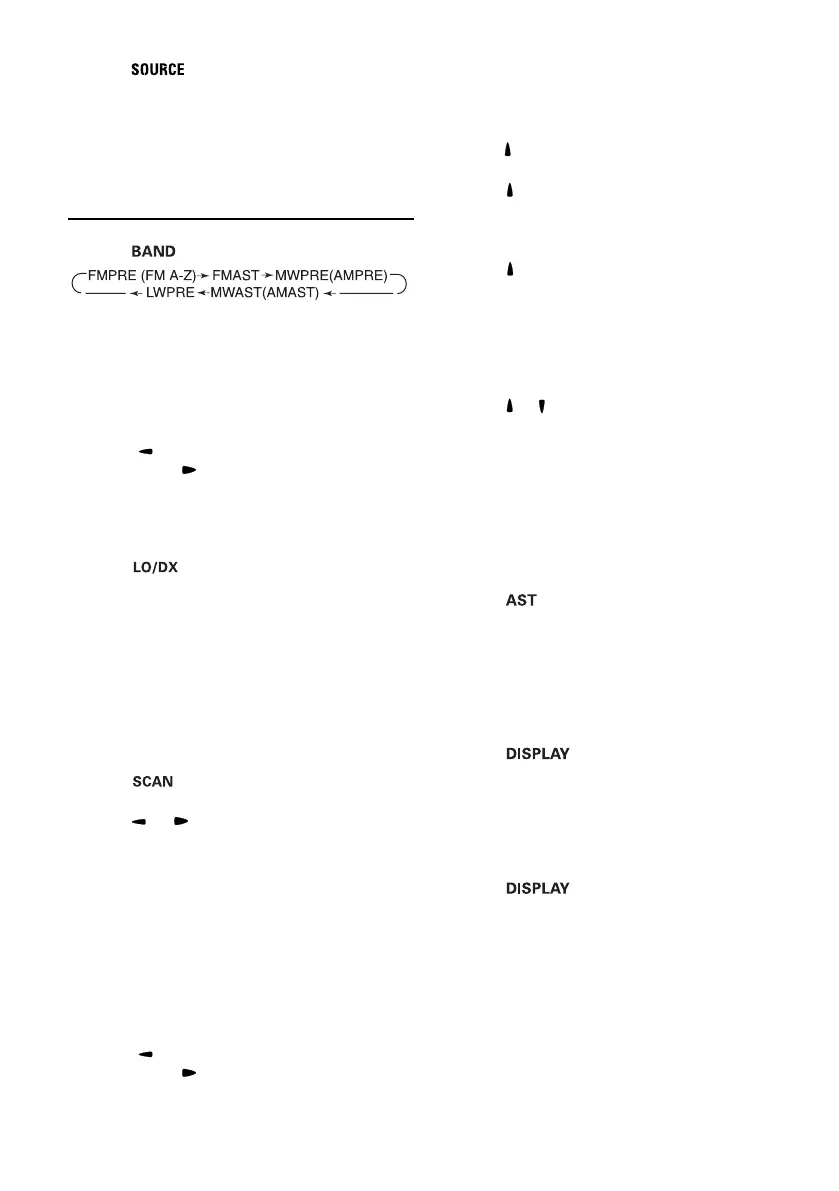
WAVEBAND
• Press to select the desired waveband :
Note : You can suppress MW/LW (AM) bands
if not required. See 'SAM' (page 14), Option
'MW/LW (AM)'.
AUTOMATIC SEARCH
Use search tuning to automatically search for a
station.
• Press to tune to a station of a lower
frequency or to a higher frequency.
– You will receive a station after a short time. To
search for another station, press the key again.
Search sensitivity (only FM)
• Press to switch between LOCAL and
DISTANT mode. Select 'LOCAL' if you wish to
search only for strong stations during search
tuning.
Frequency scan / Preset scan (see 'SAM'
page 14 option 'SCAN')
Frequency scan allows you to listen to each
located station on the current waveband while
Preset scan allows you to listen to each stored
preset station on the current waveband.
• Press to activate/deactivate Frequency
scan or Preset scan.
• Press or to start the scanning.
Note : You can select how many seconds each
station is scanned, see 'SAM' (page 14); option
'SCANTIME'.
Manual tuning (if you know the frequency of
the required station)
• To switch to manual tuning :
See 'SAM' (page 14), option 'TUNING'; set
value to 'MANUTUNE'. The radio remains in
manual tuning mode until you change this setting
back to 'AUTOTUNE'.
• Press to tune to a station of a lower
frequency or to a higher frequency.
PRESELECTED STATIONS
Manually storing stations in a preset
You can manually store 20 FM stations, 10 MW
stations and 10 LW stations.
• Tune in to the desired station.
• Press for more than 2 seconds to enter preset
store mode.
• Press to select the preset number you wish
to use.
Display shows alternately preset station
number and current stored station.
• Press for more than 2 seconds to store the
station on the selected preset number.
When storing an FM station, the relevant
RDS information and AF mode (on/off) are
also stored on the preset.
Recalling a preset
• Press or to select the desired preset.
Automatically storing stations (AUTO-
STORE)
This function automatically stores 10 strongest
FM stations in the FMAST band or 10 strongest
MW(AM) stations in the MW(AM)AST band. When
you use Auto Store, the new stations replace any
stations previously stored in the FMAST band or
the MW(AM)AST band.
• Press to activate autostore.
– The set gives a beep and then mutes.
– When it has finished, you hear a beep followed
by the station stored on preset 1.
– Sometimes it may not be possible to find 10
stations.
Switching the display mode (RDS station)
• Press once or repeatedly to switch
the display between station name, Band and
preset number, frequency followed by PTY and
sound style.
Switching the display mode (non RDS
station)
• Press once or repeatedly to switch
the display between frequency, Band and
preset number and sound style.
01-2202-2502.p65 14/04/2001, 10:02 AM10



 To Next Page