EasyManua.ls Logo

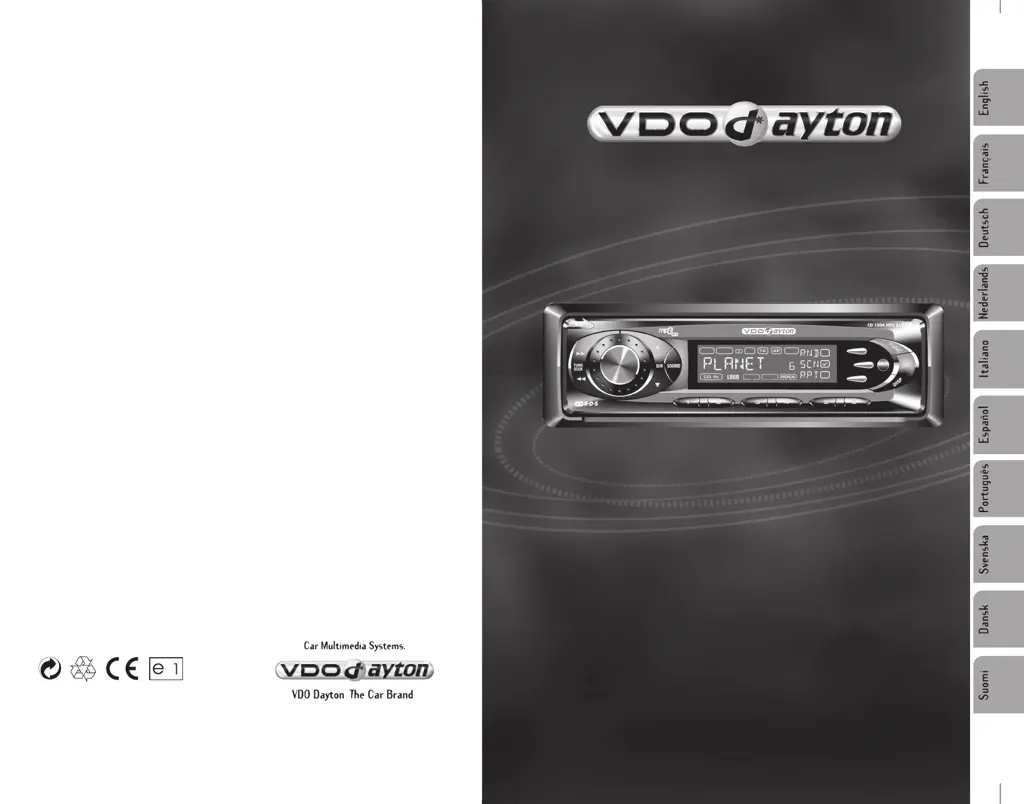
VDO CD 1404 MP3 - User Manual

VDO CD 1404 MP3
14 pages
Print Icon
To Next Page IconTo Next Page
Loading...
User manual
Mode d’emploi
Bedienungsanleitung
Gebruiksaanwijzing
Istruzioni d’uso
Instrucciones de manejo
Modo de emprego
Bruksanvisning
Betjeningsvejledning
Käyttöohje
www.vdodayton.com
CD 1504 MP3
CD 1404 MP3

Other manuals for VDO CD 1404 MP3

Questions and Answers

  • J
    Jenna FoxJul 29, 2025
    What to do if my VDO CD 1404 MP3 Car Receiver has no power?
    • E
      Emily WoodJul 29, 2025
      First, ensure that your car's ignition is switched to “ACC” if the power supply is properly connected to the car accessory terminal. If that doesn't work, check the fuse and replace it if it's blown.
  • J
    Joseph AndersonAug 2, 2025
    Why is there no sound coming from my VDO CD 1404 MP3 Car Receiver?
    • B
      Brandon LloydAug 2, 2025
      If you are experiencing no sound from your VDO Car Receiver, first check the volume level and adjust it to your desired level. If the volume is properly adjusted, verify that the wiring is correctly connected.
  • M
    Melissa BergerAug 6, 2025
    Why doesn't the radio work on my VDO Car Receiver?
    • W
      William AustinAug 6, 2025
      If the radio is not working on your VDO Car Receiver, make sure the antenna cable is firmly inserted.
  • R
    rphelpsAug 11, 2025
    What to do if my VDO CD 1404 MP3 won't load or eject discs?
    • D
      Dustin BryantAug 11, 2025
      If your VDO Car Receiver is having trouble loading or ejecting a disc: * Remove any disc currently in the player before attempting to insert a new one. * Ensure you're inserting the disc with the label facing upward. * Check the disc for dirt or defects; clean it or try a different disc. * If the car's internal temperature is too high, allow the car and player to cool down. * If condensation is the issue, leave the player off for about an hour before trying again.
  • R
    Rachel MillerAug 15, 2025
    Why does the sound skip on my VDO CD 1404 MP3?
    • E
      Edwin HendersonAug 15, 2025
      Sound skipping on your VDO Car Receiver can occur if the installation angle is more than 30 degrees; adjust it to be less than 30 degrees. Also, check the disc for dirt or defects; clean it or try a new one.
  • H
    haysbryanAug 19, 2025
    What to do if the operation keys don't work on my VDO CD 1404 MP3 Car Receiver?
    • D
      deleonashleySep 12, 2025
      If the operation keys on your VDO Car Receiver are unresponsive, try pressing the RESET button. If that doesn't work, clean the contacts of the front panel with a cotton bud soaked in isopropyl alcohol to ensure it is properly fixed in place.
  • W
    William ZhangAug 23, 2025
    Why doesn't the automatic radio station selection work on my VDO CD 1404 MP3 Car Receiver?
    • C
      Caroline DavisAug 25, 2025
      If the automatic radio station selection is not working on your VDO Car Receiver, it may be due to weak signals. In this case, select a station manually.

Summary

HINTS FOR CORRECT AND SAFE OPERATION

Operating Precautions

Details essential operating conditions like voltage, temperature, and self-protection.

INSTALLATION

Installation Guidelines

Provides important notes and recommendations for proper unit installation.

DIN FRONT-MOUNT (Method A)

Step-by-step instructions for installing the unit using the front-mount method.

Softkey Function Selection Mode

Main Softkey Functions

Explains functions assigned to softkeys F1, F2, F3 for Tuner, CD/MP3, and AUX modes.

Set Up Mode Operation

Details how to enter and navigate the setup mode for various device settings.

General Operation

Sound and Audio Settings

Explains how to adjust volume, bass, treble, fader, balance, DSP, and Bass Boost modes.

Unit Reset Procedure

Details the procedure for resetting the unit to factory default settings.

Radio Operation

CD Operation

Troubleshooting

Common Issues and Solutions

Lists common problems like no power, disc errors, no sound, and their corresponding causes and solutions.

VDO CD 1404 MP3 Specifications

General IconGeneral
TypeCar Receiver
BrandVDO
ModelCD 1404 MP3
MP3 PlaybackYes
Radio TunerYes
USB PortYes
Aux InputYes
Display TypeLCD
EqualizerYes
Audio formats supportedMP3, WMA
Playback CD-RYes
Playback CD-RWYes
DIN size1 DIN
Product colorBlack
Tuner bandsFM, AM
Media TypeCD, USB
Frequency Response20 - 20000 Hz

Related product manuals