6
* Depending on version
FRONT PANEL PRESENTATION
For illustration, see page 3, figure A.
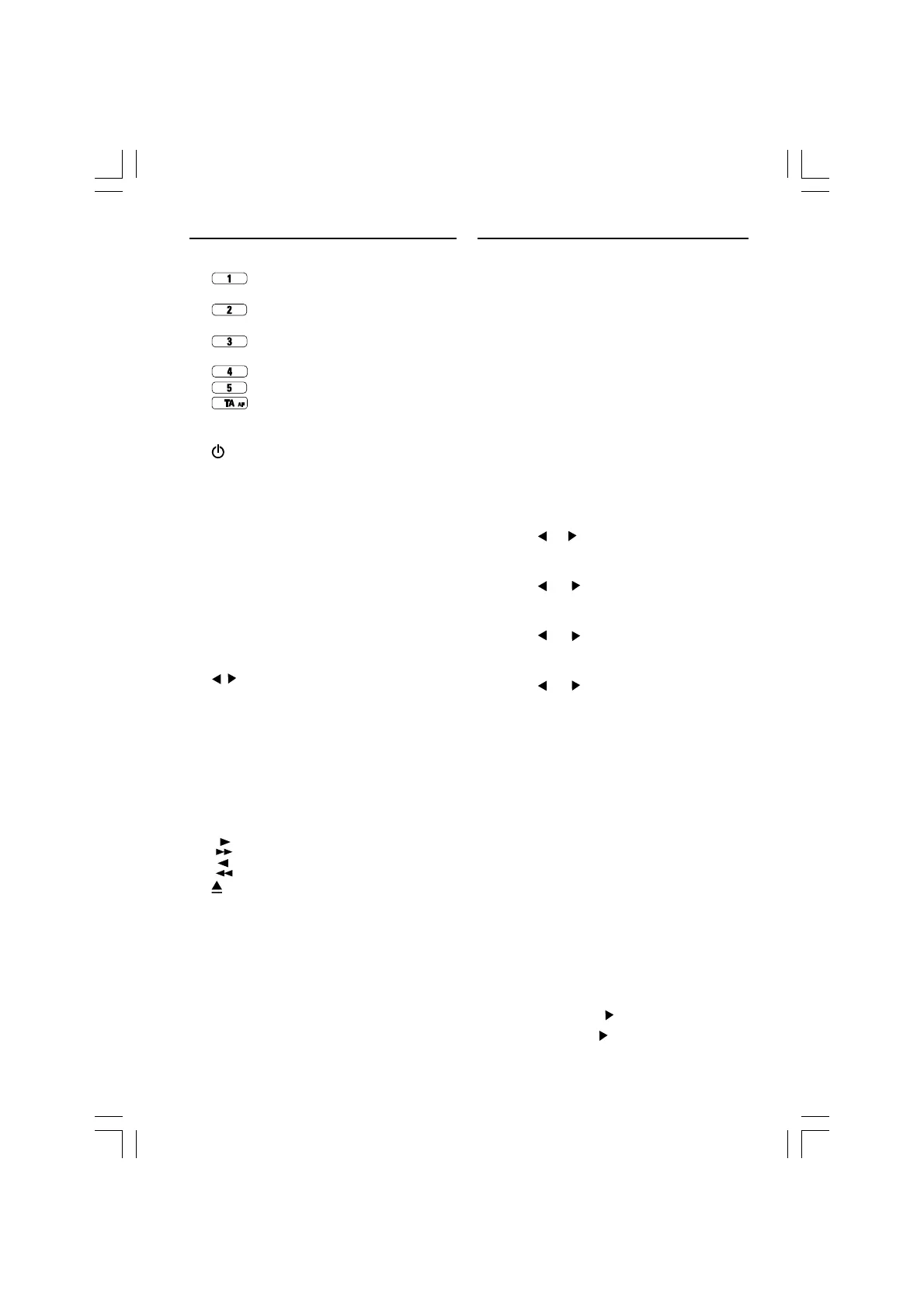
1 ...........Preset button 1
RND* ............ CD random playback on/off
2
........... Preset button 2
RPT* ............. CD repeat track on/off
3
........... Preset button 3
SCN* ............ CD's track scan
4
........... Preset button 4
5
........... Preset button 5
6 ...........Short press: TA on/off
Long press: AF on/off
7 SOUND ........Select sound/audio styles
8
.................. Short press: Power on
Long press: Power off.
MUTE ...........Short press: To mute or cancel
mute.
9 ...................... Display
10 ......................Volume knob; press up/down
to adjust the volume;adjust
selected audio mode
11 *SOURCE ....Short press: Change source
(CD).
RDS .............. Long press: RDS on/off
BAND...........Short press: To select band
AST .............. Long press: Autostore (CD)
Short press: Autostore
(Cassette)
12 .............. Tuner mode
Short press:Auto search up/
down
Long press: Manual search up/
down
Cassette mode: No function
CD mode
Short press: Next/previous
track
Long press:
Fast forward or fast rewind
13 * ............... Fast forward ( cassette deck)
14 * ............... Fast Rewind ( cassette deck)
15 .................. Disc eject (CD)
Eject cassette
16 ...................... CD opening / Cassette opening
SECURITY
CHECKING WHETHER THE CODE PROTEC-
TION IS ACTIVE
If the Code Protection is active, the display briefly
shows "CODE" each time the set is switched on.
If the power supply has been interrupted:
If the Code Protection has been activated and the
power supply has been interrupted, the set will
mute and the display shows " CODE " (anti-theft).
• Enter the code as described in "Entering the
code".
Entering the code (stated on the "Security
Card", for example 4359):
Action Display
- Switch on the set C O D E
- Press the preset 1 key 0 - - -
• Enter the first figure of the code 4 - - -
With the or key
- Press the preset 1 key again 4 0 - -
• Enter the second figure of the code 4 3 - -
With the
or key
- Press the preset 1 key again 4 3 0 -
• Enter the third figure of the code 4 3 5 -
With the
or key
- Press the preset 1 key again 4 3 5 0
• Enter the fourth figure of the code 4 3 5 9
With the
or key
- Press the preset 1 key once more
- If the correct code was entered, the set gives
a beep and then will function normally.
- If an incorrect code was entered, the set gives
an error beep. The display shows "WAIT".
This indicates that a waiting period has started.
1 Do not switch off the set when the display
shows "WAIT" (The waiting period will start all
over again when the set is switched on.)!
2 You must wait until the display shows "CODE".
This indicates that waiting period has finished.
3 Enter the correct code as described in "Enter-
ing the code".
The waiting period doubled each time an incor-
rect code is entered (1 minute, 2 minutes, 4
minutes, etc...).
Deactivating the Code Protection
1 While keeping the
key pressed, switch on
the set. Keep the pressed until you hear a
beep.
dcrenglish.p65 2004-4-30, 14:386



 To Next Page