34
en
WARNINGS
• Do not use files designed for continuous
rotation in reciprocating mode. Check the
mode indicated on the display before use!
• Do not use files designed for reciprocation
in continuously rotating mode. Check the
mode indicated on the display before use!
NOTE
• The settings in reciprocation including
speed and torque cannot be adjusted.
• Reciprocating files can be distinguished
from rotary files by their special design: the
spiral is inverted and the shaft is equipped
with a colored plastic ring.
In reciprocation, an acoustic feedback (beep)
appears when the torque limit is exceeded. If this
occurs, remove the file from the root canal and
clean the flutes. Do not press the file in the root
canal.
If the maximum torque is achieved, the motor will
stop. If this occurs, remove the file from the root
canal, clean the flutes and restart again.
NOTE
In reciprocation, the ASR function is disa-
bled.
7.6.2. Rotary
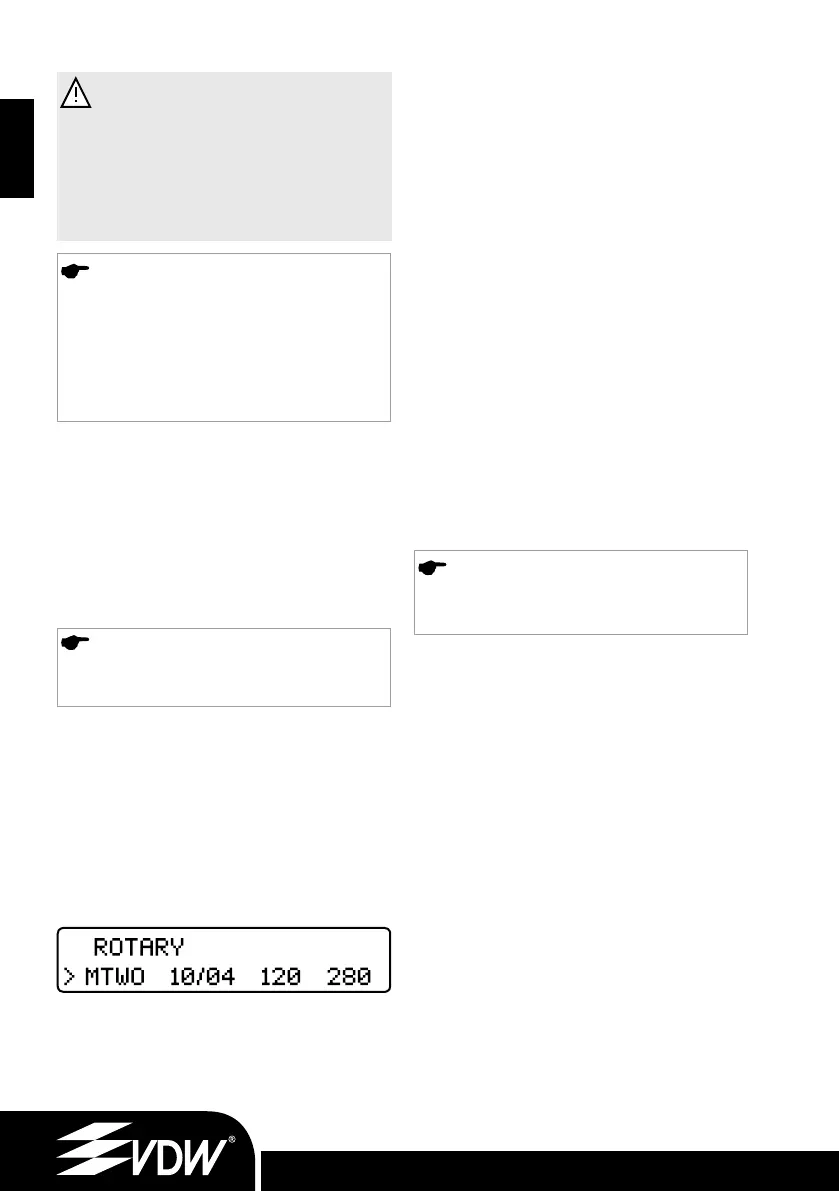
When a file system has been selected in rotary
mode, the first file in the sequence will auto-
matically be shown in the display.
Press the ►I key to move the arrow to the field
“file”. There is no need to confirm this selection.
Simply press the foot pedal to drive the file.
Press the + key to select the next file in the
sequence.
Press the - key to select the previous file in the
sequence.
7.6.3. Dr’s Choice (Rotary Only)
For convenience, the device is delivered with
15 default values of torque and speed as well
(for details see the default values´ table for torque
and speed in back of the English user manual).
To individually change these settings simply
“overwrite” them as described below. This allows
you to compile your own instrument sequence
independently from file manufacturer or recom-
mended sequences. To return to default settings
see chapter 7.7.
The settings can be changed in the same way as
for the other rotary file systems.
For recording your individual settings, see table in
back of this user manual.
7.6.4. Changing Torque and Speed
(Rotary Only)
NOTE
Speed and torque cannot be changed in
reciprocation mode.
When the desired rotary file is selected (indicated
by an arrow), press the ►I key to move to the
torque field, then indicated by an arrow. Use the
+ and - keys to select the desired torque setting.
When the torque value is changed, it will flash.
The available torque range is 20 to 410 gcm
(40 steps of 10 gcm each).
After selecting the desired torque, save the setting
by pressing the CONFIRM key ✓ once. The torque
field will then stop flashing and will be marked with
the
‘
symbol. If the CONFIRM key ✓ is not pressed
to save the setting, the setting cannot be used and
will be lost once a different file setting is selected.
Press the ►I key to move to the speed field, then in-
dicated by an arrow. Use the + and - keys to select
the desired speed setting. When the speed value is
changed, it will flash. The available speed range is
250 to 1000 rpm in steps of 10 rpm (with the pro-
vided VDW Endo 6:1 contra-angle only).
The preset torque and speed values of all file
systems can be altered individually in rotary mode.
9.6.11_VDW.SILVER_RECIPROC Upgrade Stick_inhalt.indd 349.6.11_VDW.SILVER_RECIPROC Upgrade Stick_inhalt.indd 34 09.06.2011 17:18:0209.06.2011 17:18:02


 To Next Page
 Loading...
