OPERATION
www.vectorfog.com
03
• All new machines only come with 30% battery life.
• The battery needs to be fully charged
• Unplug the charger when fully charged.
• When the battery is under 30%, the indicator on the handle turns red.
CHARGING
1
2
3
4
4.1
4.2
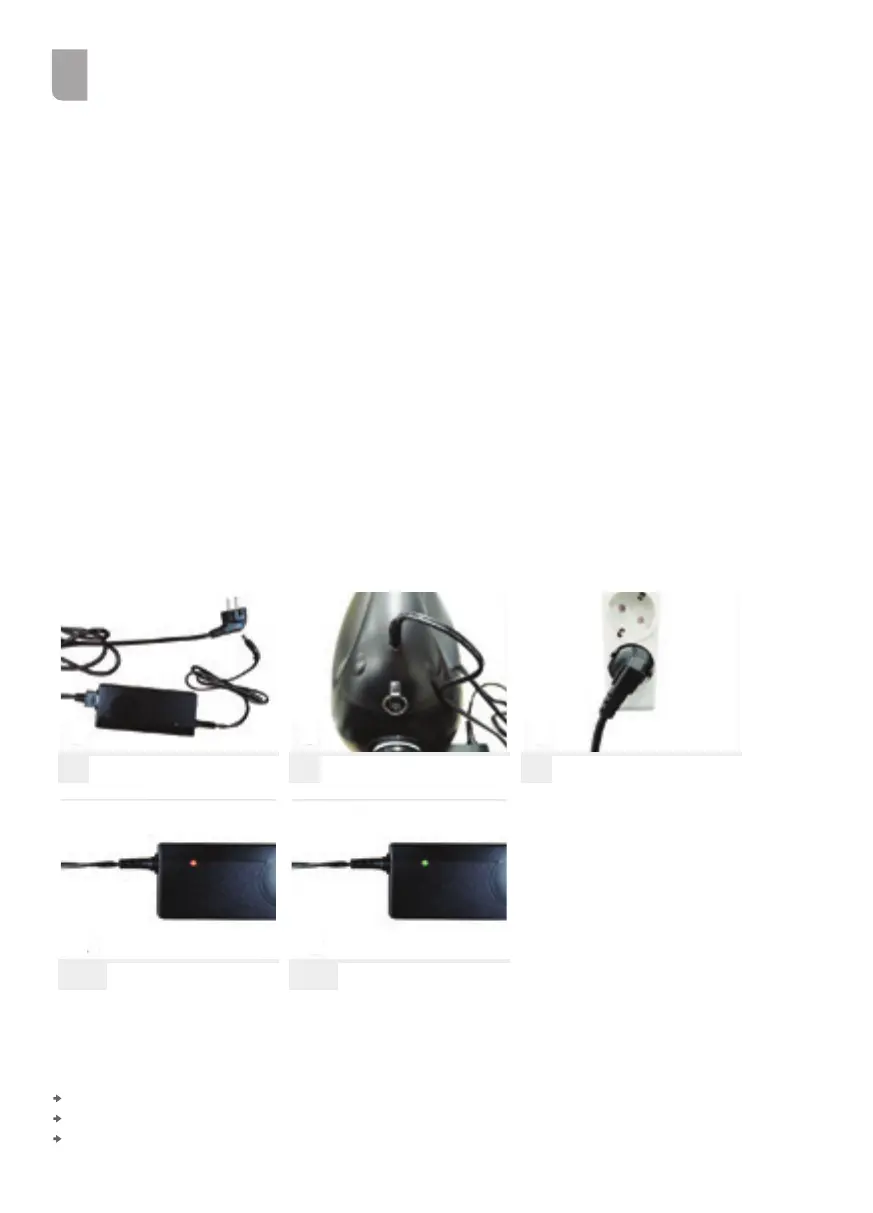
Connect the charger to the power cable.
Connect the charger to the charging port on the handle.
Plug-in the power cord to the main power supply
Battery takes 3 hours to recharge
Red light: Ongoing charge
Green light: Fully charged
1 2 3
4.24.1
Use the designated charger only.
Use the charger for recharging purposes only.
Do not use the machine while recharging.
REMARK



 To Next Page