TCI-W11, TCI-W22 Universal Controller
DISPLAY AND OPERATION
Doc: 70-00-0158C, V2.0-20220523 © Vector Controls GmbH, Switzerland Page 5-22
Subject to alteration
Display and Operation
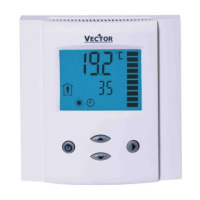
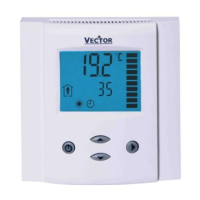
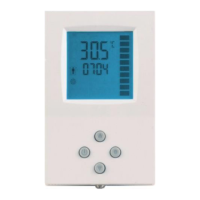
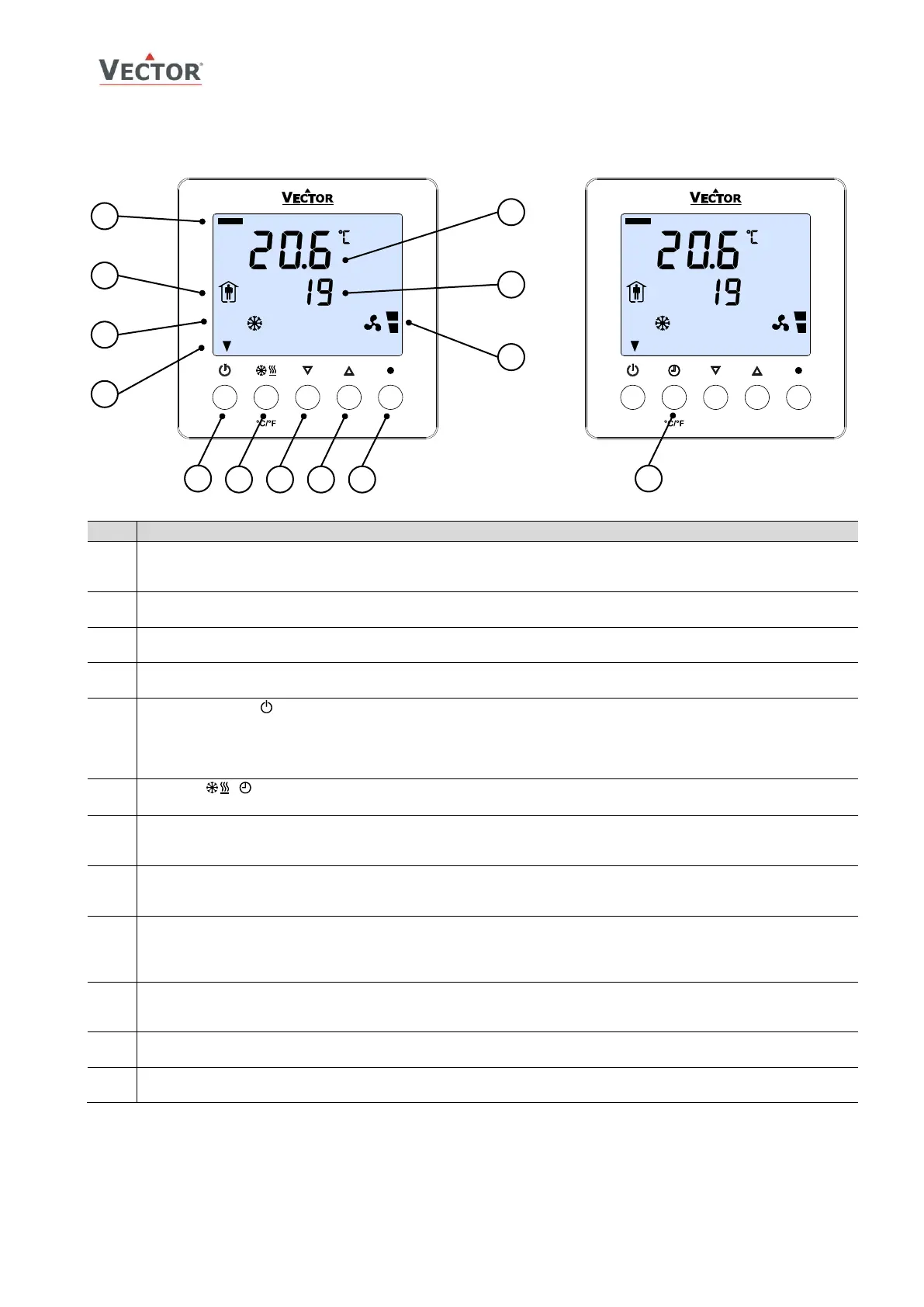
Loop indication
- Standard display (no button pressed for 30 sec.): Not visible
- Loop display: Bar at far left = Loop 1, Bar toward right = Loop 2
Operating Mode
- Display of operation mode
Controlling Mode
- Display of control mode
Indicators
- Standard display: Active digital output (arrow at far left=1, toward right=2)
Operating Mode (POWER)(Back)
- Press < 2 sec.: Toggle OCCUPIED/UNOCCUPIED mode or switch from OFF to ON
- Press > 2 sec.: Turn unit OFF. Text OFF displayed with current time (W22) temperature (W11)
- (Parameter setting: BACK to previous menu)
- (Menu navigation: Back to previous/home menu)
OPTION , , °C/°F
- Press > 2 sec.: Enter set-up CLOCK (TCI-W22), SCHEDULES (TCI-W22), H/C, °C/°F
DOWN (-)
- Decrease SET POINT
- (Parameter setting: SCROLL menu options and parameters)
UP (+)
- Increase SET POINT
- (Parameter setting: SCROLL menu options and parameters)
RIGHT ⚫ (Calibration) (Enter)
- Press < 2 sec.: Select Control Loop
- Press > 2 sec.: Enter sensor calibration
- (Parameter setting: ENTER to select menu option, accept parameter change)
Vertical Bar
- Display of input/output value with 10% resolution
- (Parameter setting: Displays programming step)
Small Digits
- Display of setpoint, clock or parameter number
Large Digits
- Display of measured room temperature, input or parameter value



 To Next Page
 Loading...