TCI-W13, TCI-W23 Universal Controller
OPERATION
Doc: 70-00-0365A, V1.5, 20230901 © Vector Controls GmbH, Switzerland Page 5-18
Subject to alteration
Manual heat – cool change
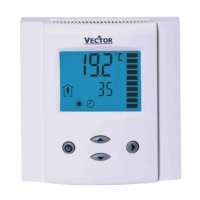
To manually change heating or cooling mode press the OPTION key for more than 2 seconds. Access to manual heat –
cool change may be disabled with parameter UP03.
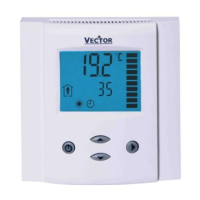
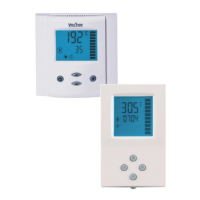
For TCI-W13: Press OPTION > 2 s: SEL and H-C is displayed.
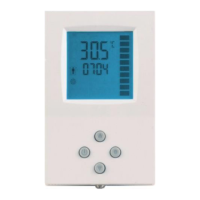
For TCI-W23: Press OPTION > 2 s: SEL and current time is displayed.
Press UP key twice: SEL and H-C is displayed.
Press OPTION again to toggle H or C.
For TCI-W13: Press OPTION > 2 s: SEL and H-C is displayed.
Press UP key once: UI1 and its value are displayed
For TCI-W23: Press OPTION > 2 s: SEL and current time is shown.
Press UP key five times: UI1 and value are displayed.
Press UP key again to step through the next active input
Note: disabled inputs will not be shown.
Changing temperature unit °C/°F
For TCI-W13: Press OPTION > 2 sec. SEL and H-C is displayed.
Press UP key until C–F is displayed
Press OPTION to toggle °C or °F unit
For TCI-W23: Press OPTION > 2 sec. SEL and current time is shown.
Press UP key until C–F is displayed
Press OPTION to toggle °C or °F unit
Press LEFT to exit


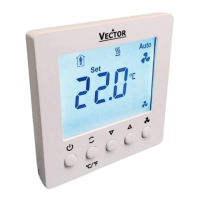
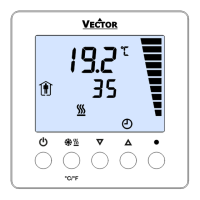
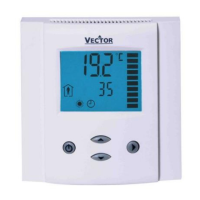

 To Next Page