Doc : 70-00-0736, Serie X2, 20190206 © Vector Controls GmbH, Schweiz Page 2
subjects to alteration www.vectorcontrols.com
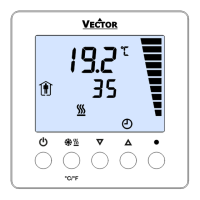
Display and Operation
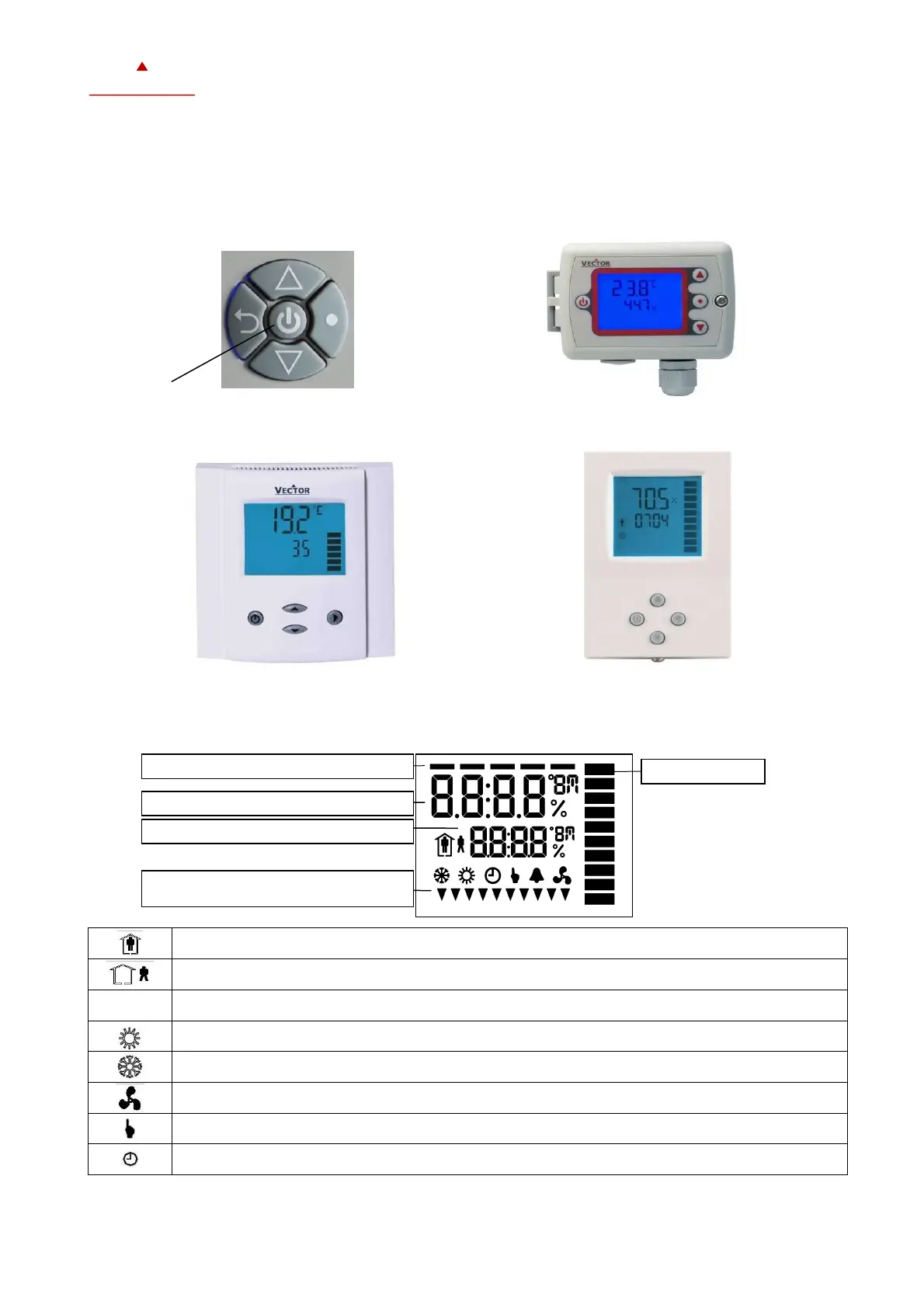
Key Layout
Display and Symbol
Occupied: (Comfort) All control functions operating per set points.
Unoccupied: (Standby, Economy) If enabled, alternative set points are used with the intention to reduce
energy consumption.
OFF: (Energy Hold Off, EHO) Normal control functions are inactive, inputs are monitored for alarms.
Manual override, delay on enable function
Display of setpoint, clock or parameter number
Display of input or parameter value
Idle display: Active digital output and
Parameter setting



 To Next Page