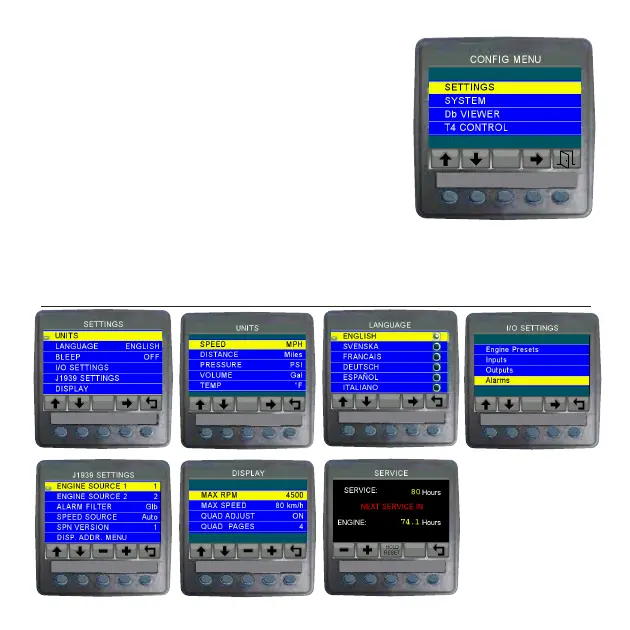
MENU SCREENS
Top Level Menu
Settings Menu
and Sub-menus
VeeCAN 320
TM
VeeCAN 320
TM
VeeCAN 320
TM
VeeCAN 320
TM
VeeCAN 320
TM
VeeCAN 320
TM
VeeCAN 320
TM
VeeCAN 320
TM
To acces the Menu screens, press and
hold key 5 while in any of the display
screens. Pressing key 5 while in any of
the menus will return you to the previous
menu. PASSCODE: SEE DEALER/MFG
WARNING: DO NOT MODIFY PARAMETERS WITHOUT
AUTHERIZATION -WARRANTY WILL BE VOID



 To Next Page