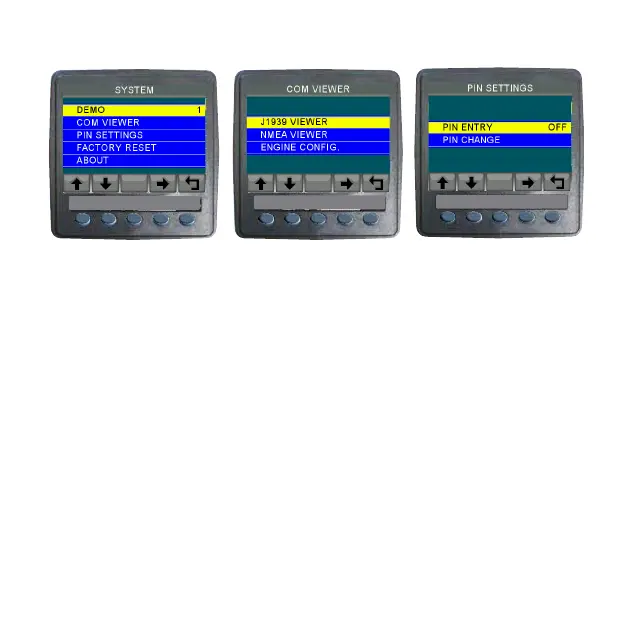
System Menu and Sub-menus
VeeCAN 320
TM
VeeCAN 320
TM
VeeCAN 320
TM
Pin Settings are ued to prevent unathorized users to access the VEM
menu. The default pin number is “SEE DEALER/MFG”. Once the pin
is changed, the new pin becomes the only pin number that can be
used.
Note. If pin is changed, write down the pin in safe location.
Caution. If pin number is lost, a complete reload of the VEM software
using USB connection is required to access the menu. This reload will
rectore all default settings and any user changes made will be lost.
Factory Reset will reset all the settings to default values. This will also
reset the pin settings to the default pin number.
WARNING: DO NOT MODIFY PARAMETERS WITHOUT
AUTHERIZATION -WARRANTY WILL BE VOID



 To Next Page