“-”: Click “-” to remove the softwares you added before.
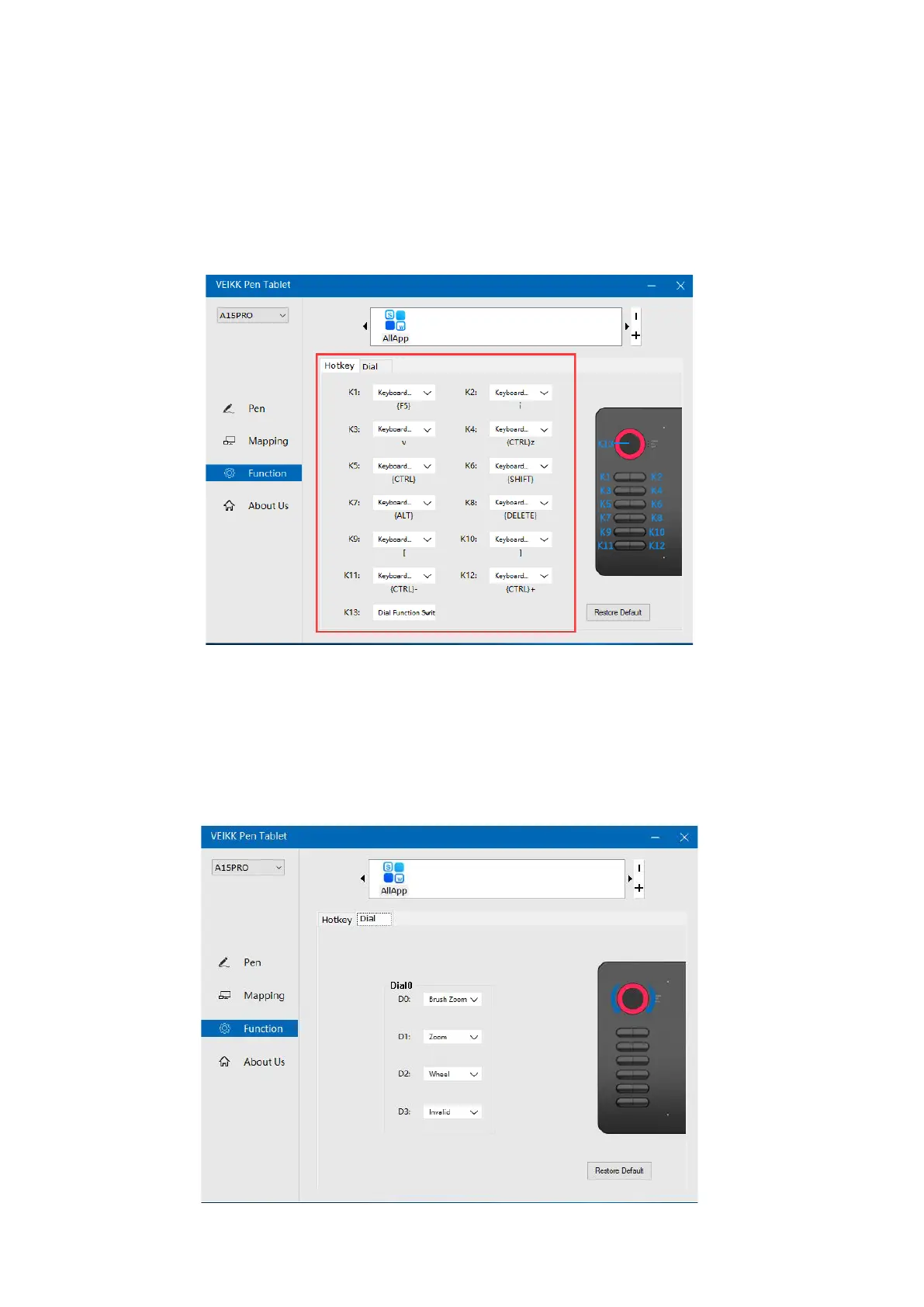
7.3.2 Hotkey
Redefine Hotkey: Click on the title of the button. A dropdown menu will appear with a
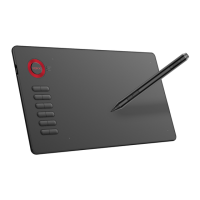
7.3.3 Quick Dail
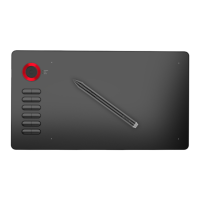
You can define the functions of the Dial. Tap on Dial button to select the function you
would like to use. To switch between functions, press down the middle button of the Dial.
You will see the function name briefly at the bottom of the screen when switched.
list of tool options. Choose the one you want to use.
13


 To Next Page