3
3.Installing Driver
3.1 OS Support
Windows 10/8/7(32/64 bits)
Mac OS 10.12 or later
3.2 Installation
1) Before installing the tablet driver, please uninstall all tablet drivers from your computer
that you installed before,
and keep all antivirus program and drawing program closed.
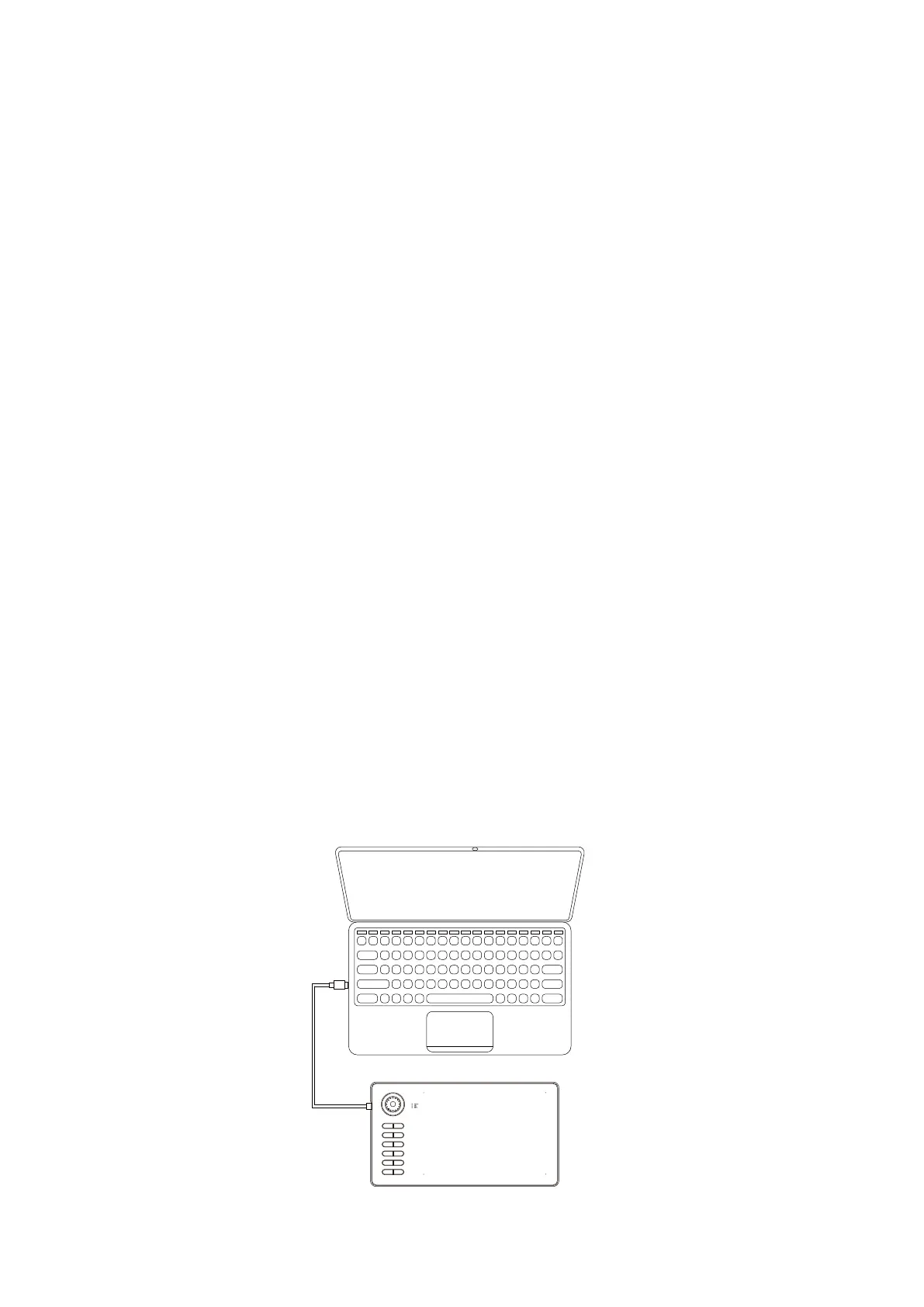
2) Connect the tablet to your computer before installation (Please refer to 4.Tablet
Connection).
3) Please download the updated driver from www.veikk.com.
4) Click Set up.exe and follow the onscreen instructions.
5) After installation then restart your computer.
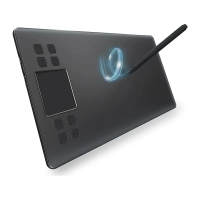
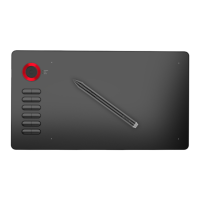
1. Take out the A15 Pro from the package, connect the tablet to your computer with the USB
cable.
2. Open the driver interface, the upper left corner shows the product model(just like “A15 Pro”),
indicating
that the tablet has been successfully mounted to the driver, you can start using
your tablet now.
4.Tablet Connection


 To Next Page