8
For Android mobile phone:
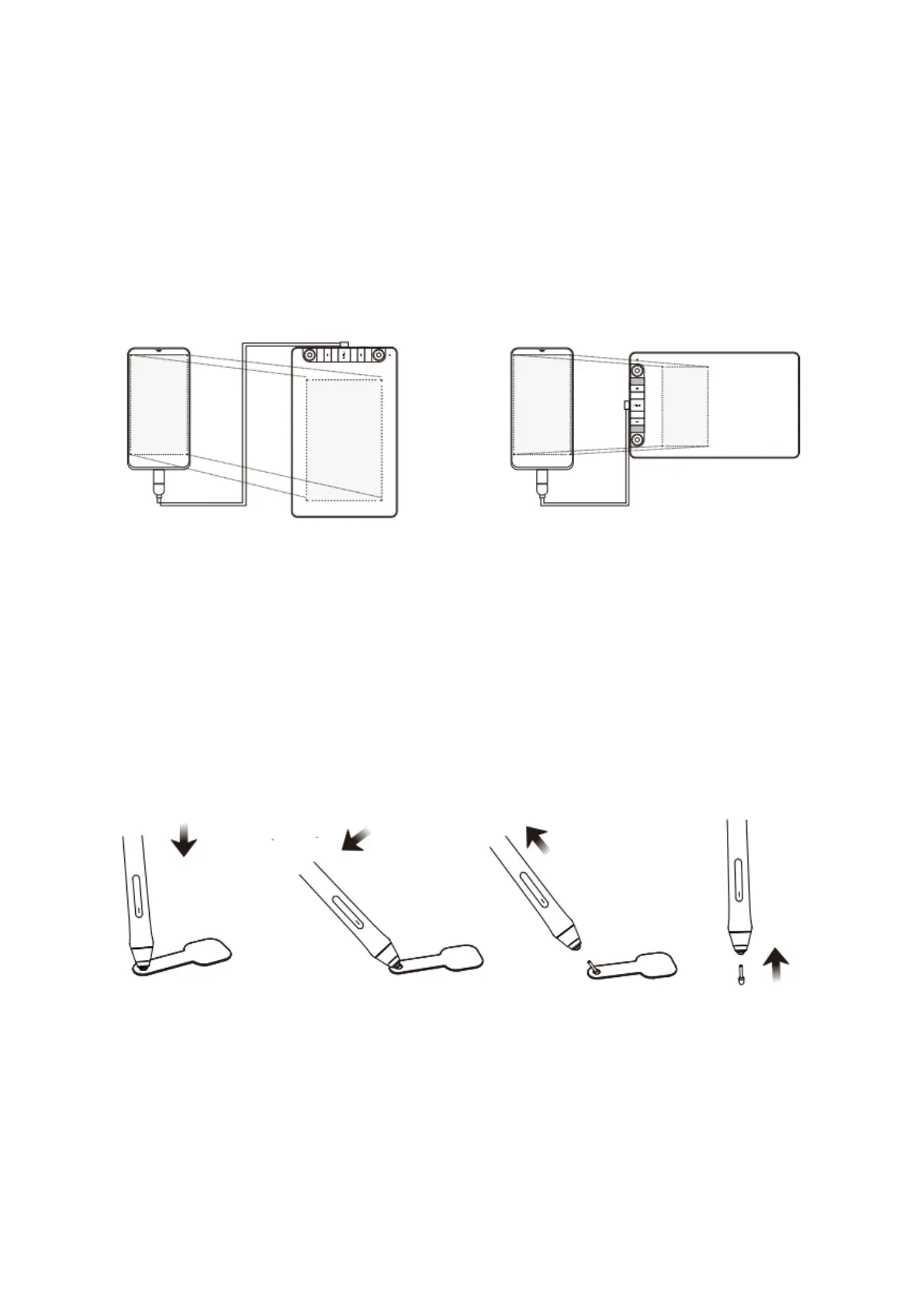
1. Please connect the tablet to your mobile phone with the OTG adapter.
2. Choose the most comfortable way you like to use the tablet.
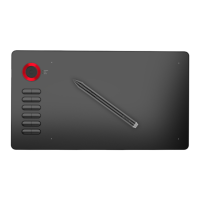
By default, the working area of the tablet is 10*6 inch, but you need to rotate the tablet
as shown in Figure 1.
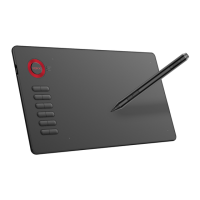
Press K1 and K6 at the same time, the working area of the tablet is 3*6 inch, but you can
use the tablet in the normal direction as shown in Figure 2.
Note 1: Works in mobile phone vertical screen mode only.
Note 2: For some mobile phones, you need to enable the OTG function manually in the
phone’s settings.
Note 3: The shortcut keys of the pen and tablet can’t work on Android mobile phone.
Replacing the Nibs
When the pen nib is heavily worn, please replace the nib with the nib removal.
1. Insert the pen nib into the pen holder hole.
2. Tilt the pen so that the pen holder can fully catch the pen nib.
3. Pull out the nib.
4. Insert a new nib into the pen and push it straightly until it stops.


 To Next Page