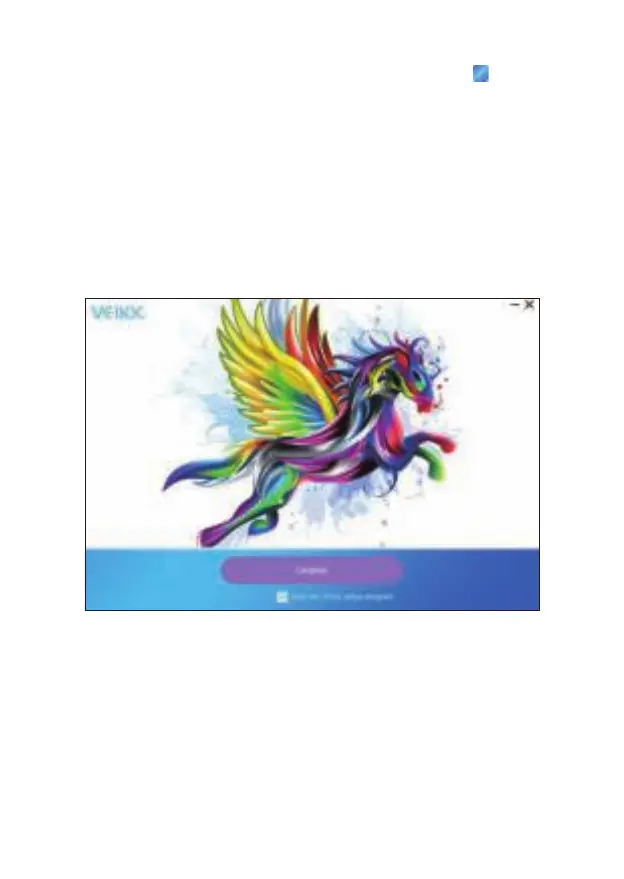
6. Once the driver is completely installed, you will see an icon appearing
on the system tray (lower right corner) and the desktop (Windows) and
system Preference (Mac).
7. After a successful installation, the digital pen should be able to control
the cursor, and activated for configuration on the pressure test area.
Note: If your computer operating system is the new system Mojave (10.14)
or Catalina (10.15), please add the “Tablet Driver Center” into the white list
first after installed the driver on your computer. Please refer to the website's
FAQ for more details.
7


 To Next Page