2 Driver Installation
2.1 System Requirement
2.2 Driver Installation
Windows 10/8/7/(32/64 bits) Mac OS 10.12 or later
1. Before installing VEIKK driver, please uninstall all tablet drivers from your
computer completely.
2. Disable all antivirus program or firewall,keep all drawing softwares
closed.
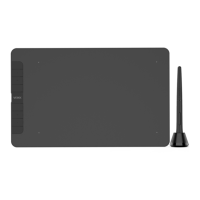
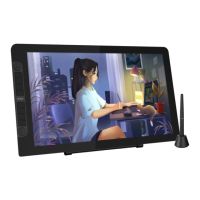
3. Connect VK1200 to your computer.
4. Please download VEIKK driver from our official website:
www.veikk.com
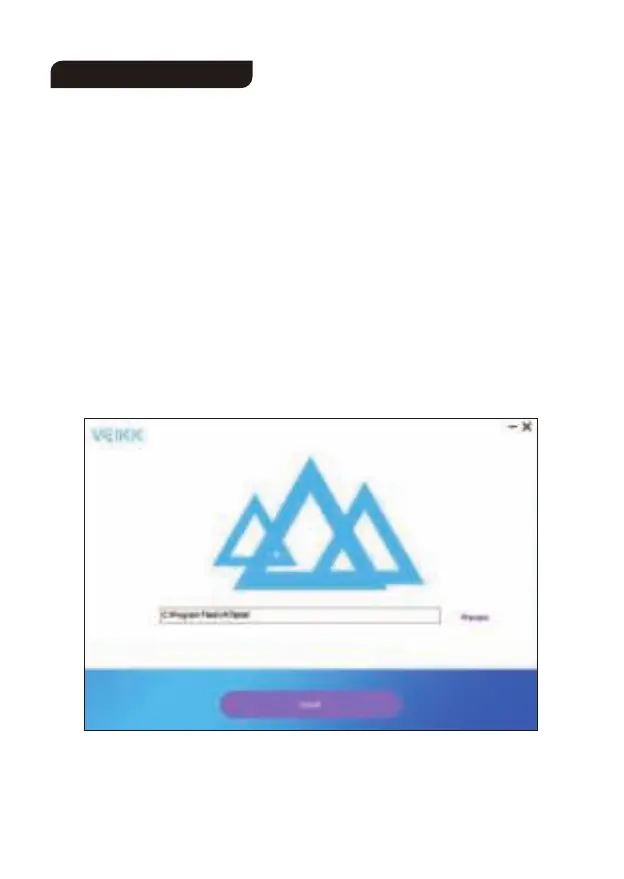
5. Click “VK Tablet Driver.exe” and follow the prompts to install. If Mac
system, please open it with default installer.
6


 To Next Page