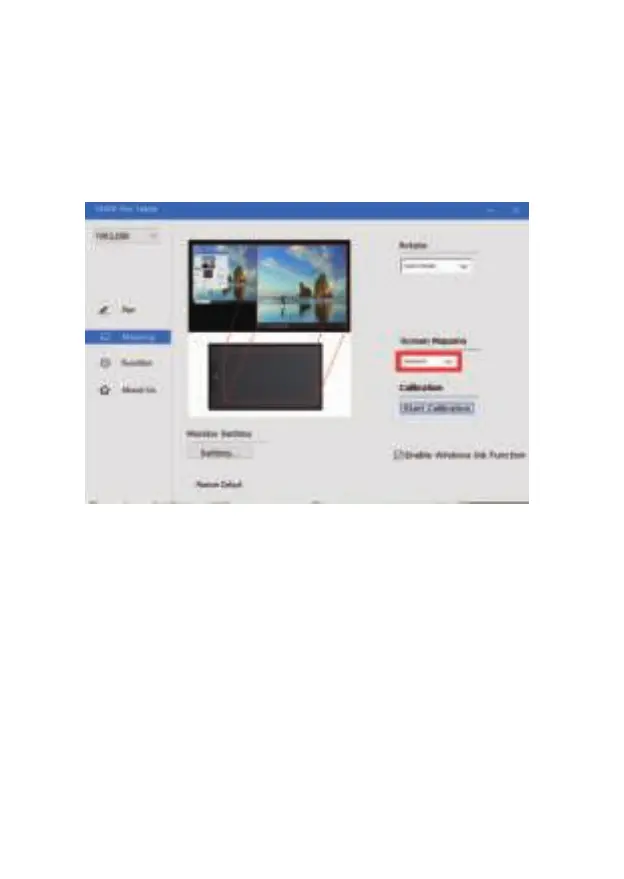
4.2.3 Screen Mapping
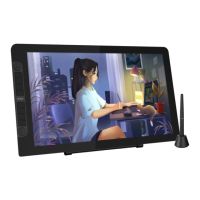
If working in Extended Display, choose which monitor the VK1200 pen display
to track with.To learn which monitor is Monitor 1 and which is Monitor 2, Please
go to Start > Settings > Display and click Identify.
4.2.4 Calibration
Click “Start Calibration” to activate the calibration screen. Press the crosses
appearing on the screen one by one with the pen to calibrate the screen.
15


 To Next Page