Mac:
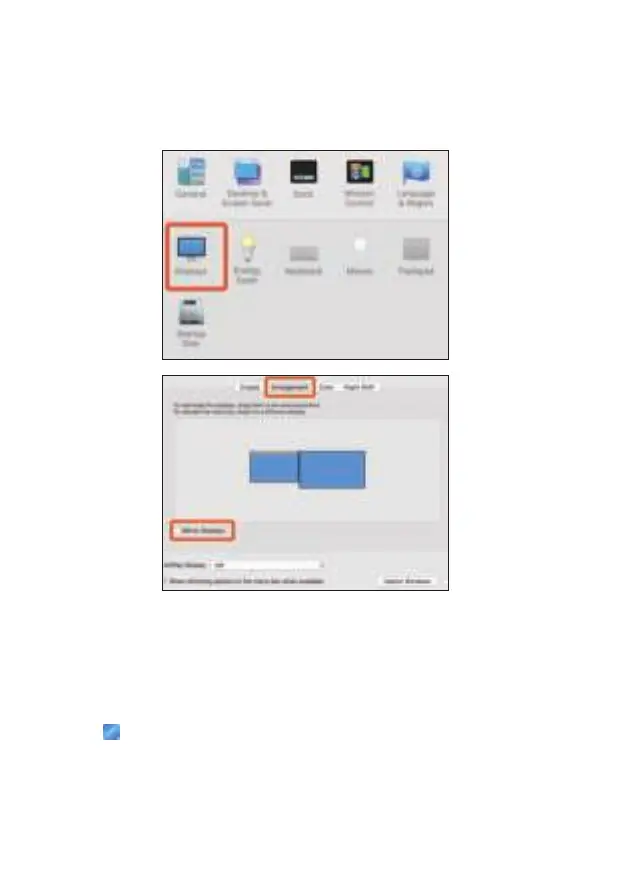
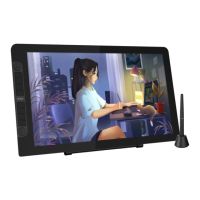
1. Please open “System Preferences---“Displays”---“Arrangement”, don’t
choose the “Mirror Displays”.
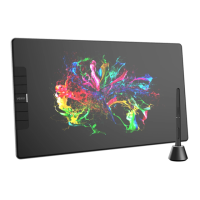
2. If your computer is equipped with more than one monitor, your VK1200 pen
display will map to the monitors based on how they are configured in the
DISPLAY PROPERTIES control panel.
3. After you have correctly configured your computer for multiple monitors, then
you can adjust your VK1200 pen display mapping by opening the driver
icon and changing the appropriate options. This enables you to toggle
the current VK1200 mapping and screen cursor between the system desktop
or primary display and your other monitors.
10


 To Next Page