Page 4
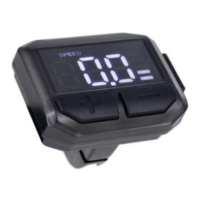
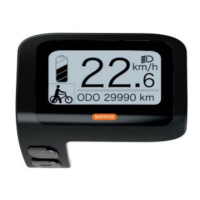
LCD Display and Controls
Display Operation
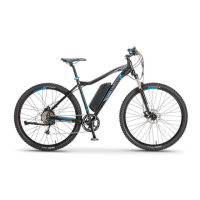
The LCD display is mounted on the left side of the handlebar and is
controlled with 3 easy to use buttons:
Power, (Up) and (Down)
Power On/Off
Press and hold the button down for more than 2 seconds to start the
display. To turn off, repeat this process. The display will turn off
automatically after 10 minutes, if not in use.


 To Next Page