Page 5
User Interface
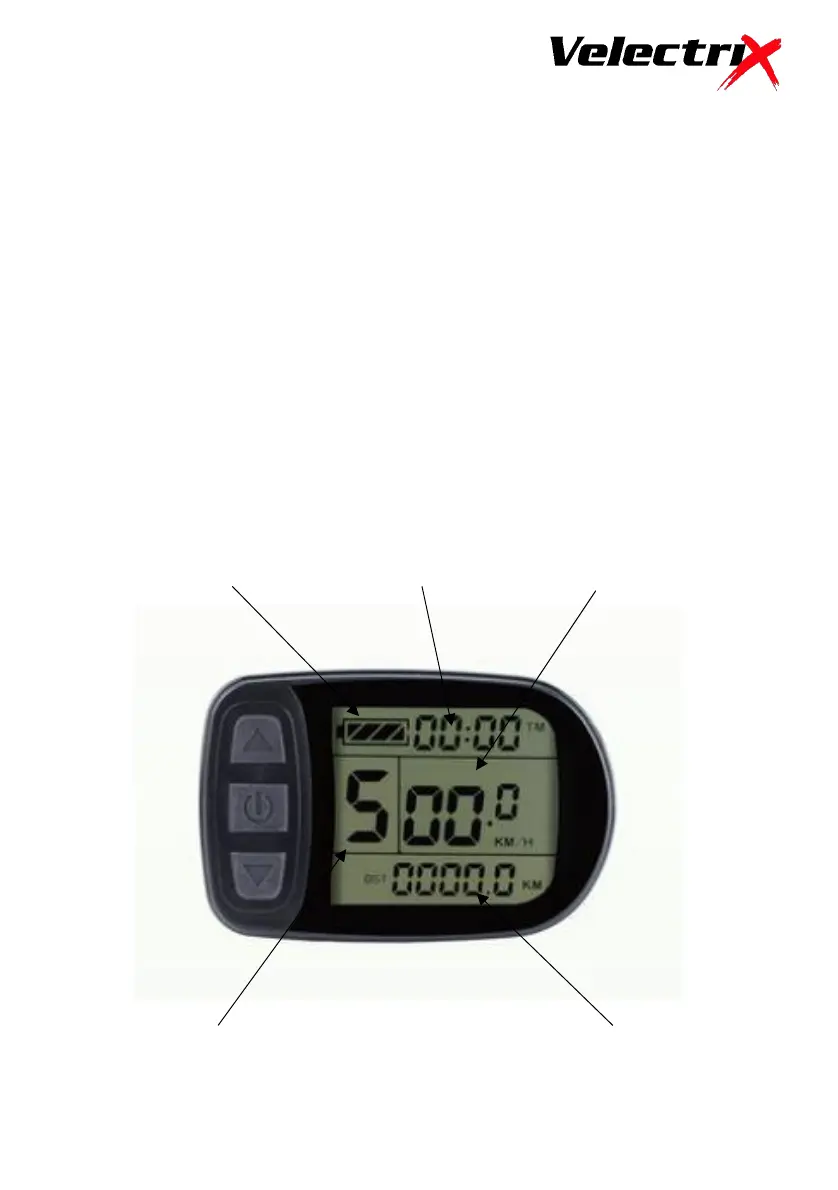
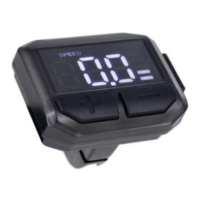
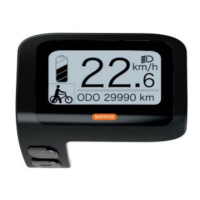
There are 3 display screens available. Screen 1 shows Battery Charge
Indicator, Trip Time, Current Speed, Power Assist Level and Distance.
Screen 1 also shows icons for Walk Mode, Light Operation (for bikes with
lights fitted) and Power Assist Operation.
To move to screen 2, hold the Power button down, when in screen 1.
Screen 2 shows Total Trip Time, Total Trip Distance and Average Speed.
To move to screen 3, hold the Power button down when in screen 2.
Screen 3 shows Maximum Speed and Battery Voltage.
Holding the Power button down in screen 3 will return you to screen 1.


 To Next Page