Page 4
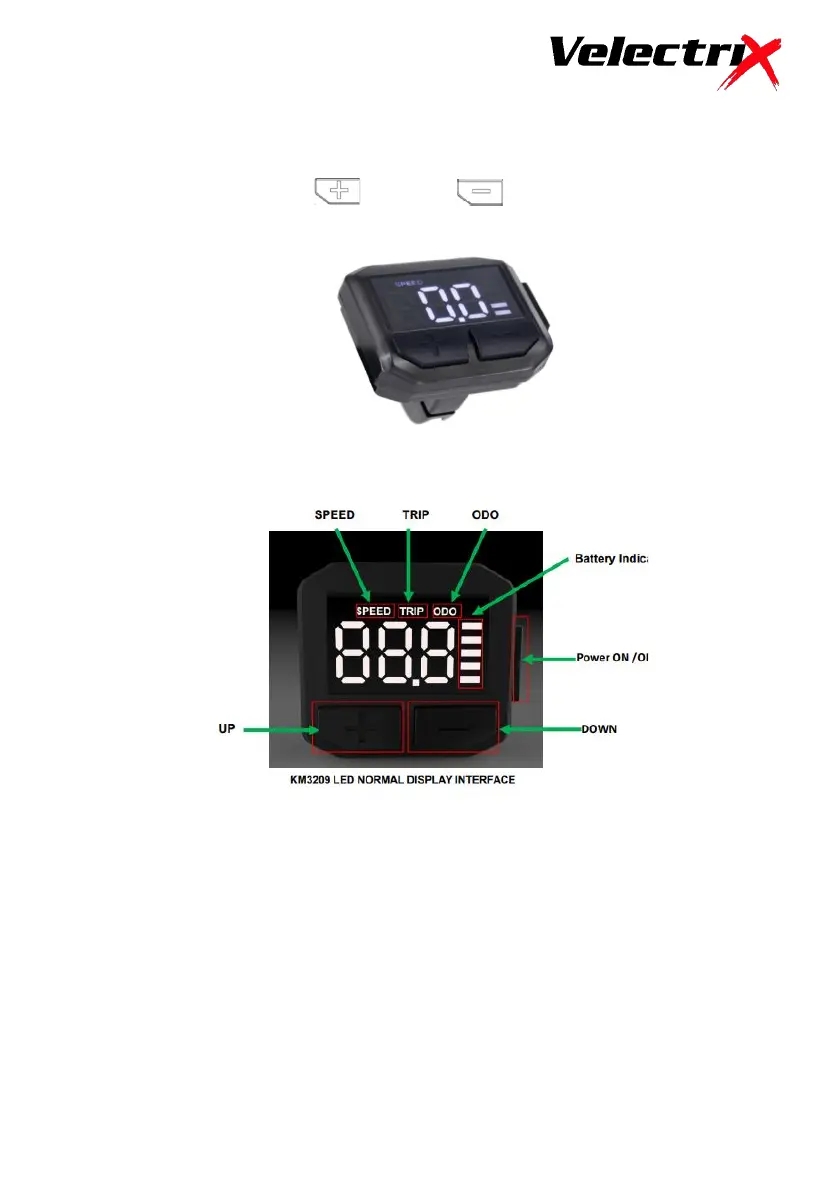
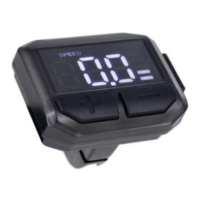
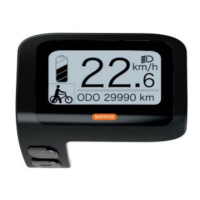
LCD Display and Controls
The display is mounted on the left side of the handlebar and is controlled with 3
easy to use buttons, Power, (Up) and (down)
LCD Display Operation
Power On/Off
Hold the “Power” button down for 1 second to start display and supply
power to the motor controller. To turn off, hold down the “Power” button
for 2.5 seconds. The display will turn off automatically after 10 minutes, if
not in use.



 To Next Page