Page 5
User Interface
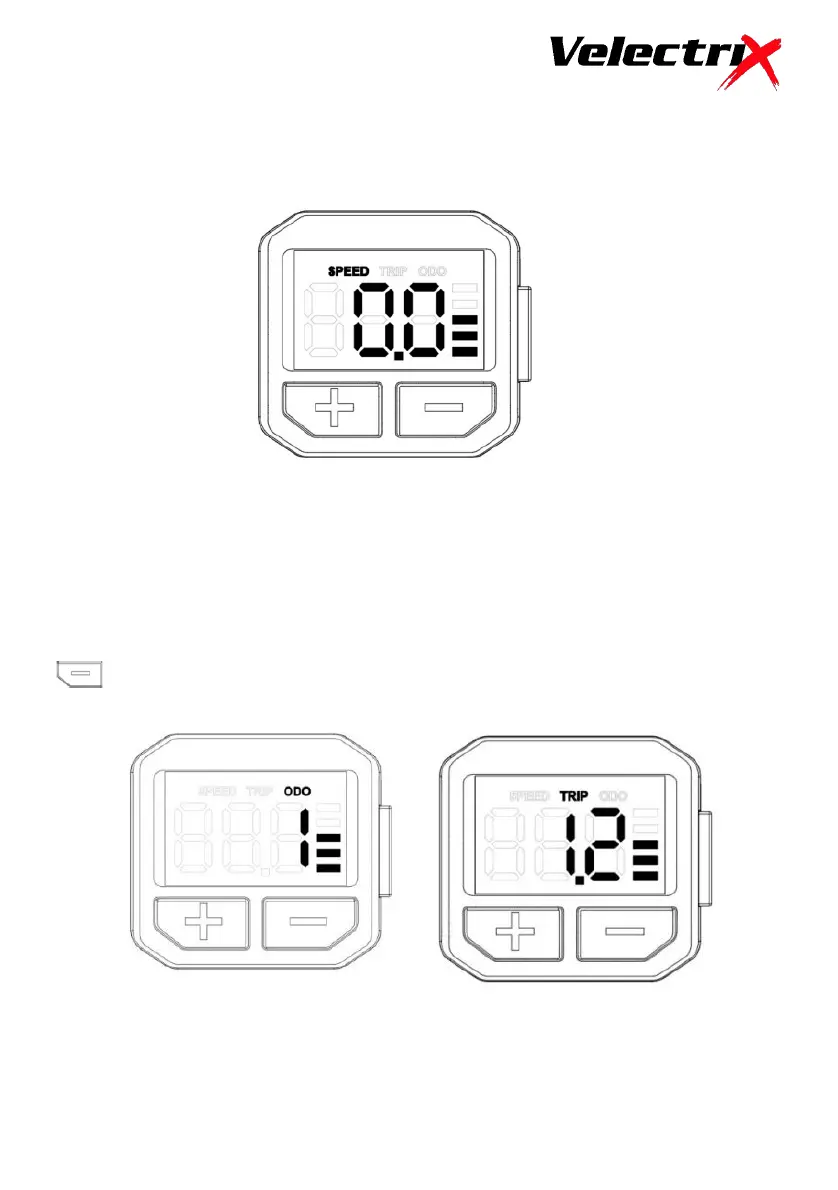
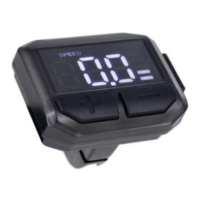
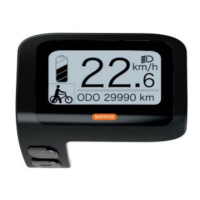
When the display is turned on, the screen will look as below.
Trip & Odometer Functions
Pressing the “Power” button will allow you to access the “Trip” and
“Odometer” functions.
The “Trip” distance can be cleared by pressing and holding both “Power” &
buttons together for 2 seconds.
The “Odometer” will continue to accumulate for the life of the bike.



 To Next Page