Page 6
Walk Assist
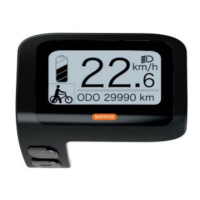
Press and hold the Button for 2 seconds to enable the walk assist
function. Releasing the button will disable the walk assist.
The walk assist feature is not a riding mode. It is designed to assist
with walking the bike up an incline to a maximum of 6 kph.
Light Operation (for models equipped with lights as standard)
Press and hold the button for over 2 seconds, to turn the lights on.
Repeat, to turn the lights off.



 To Next Page