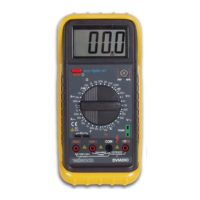
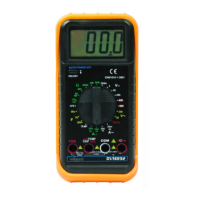
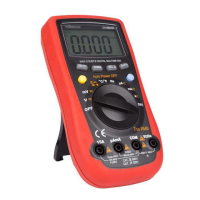
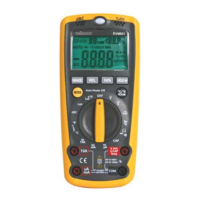
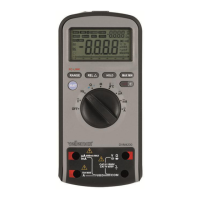
DVM4200
24.06.2015 ©Velleman nv
Remove the screw that holds the PCB in place (indicated with in the
illustration) and gently lift the PCB.
Remove the fuse from the fuse holder and replace it with a new fuse of the same
type and with the same specifications (F630mA/1000V - Ø10.3x38mm,
F10A/1000V - Ø10.3x38mm).
Close the meter meticoulsly.
c. Battery Replacement
To avoid false readings, which could lead to possible electric
shocks or personal injury, replace the battery as soon as the
battery indicator appears.
Switch off the multi-meter, disconnect the test leads from the test
points and remove the test leads from the measuring jacks before
replacing the batteries or fuses.
Refer to the illustration on pages 3 of this manual.
Remove the 2 screws at the back of the meter (indicated with in the
illustration) and gently open the battery compartment.
Replace the battery (9V 6LF22). Do not use rechargeable batteries. Insert
following the right polarity.
Close the battery compartment and reseat the screws.
9. Technische specificaties
This device is not calibrated when purchased!
Regulations concerning environment of use:
Use this meter only for measurements in CATI, CATII, CAT III (<1000V) and CAT
IV (<600V) environments (see §4)
Use this meter only in a pollution degree 2 environment (see §5)
Ideal working conditions include:
Temperature: 18 to 28°C (64°F to 82°F)
relative humidity: max. 75%
altitude: max. 2000m (6560ft)
Accessories: user manual, test leads, “K” type Thermocouple + socket, USB cable,
PC-Link software CD
9.1. General
600V CAT IV, 1000V CAT III
6000 counts, 3 samples/sec.
µA/mA-range: 630mA/1000V (Ø10.3x38mm)
10A-range: 10A/1000V (Ø10.3x38mm)
0.1x(specified accuracy)/°C (<18°C or >28°C)
9V NEDA 1604 6F22 006P (incl.)
"OL" is displayed automatically
0°C to 40°C (32~122°F) (<80%RH, <10°C non
condensing)
-10°C to 60°C (14~140°F) (<70%RH, battery removed)


 To Next Page