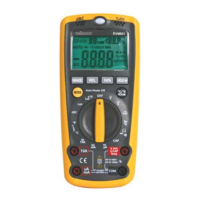
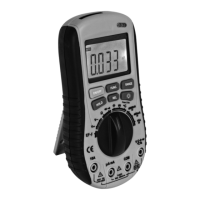
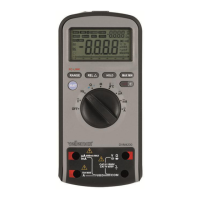
DVM4200
24.06.2015 ©Velleman nv
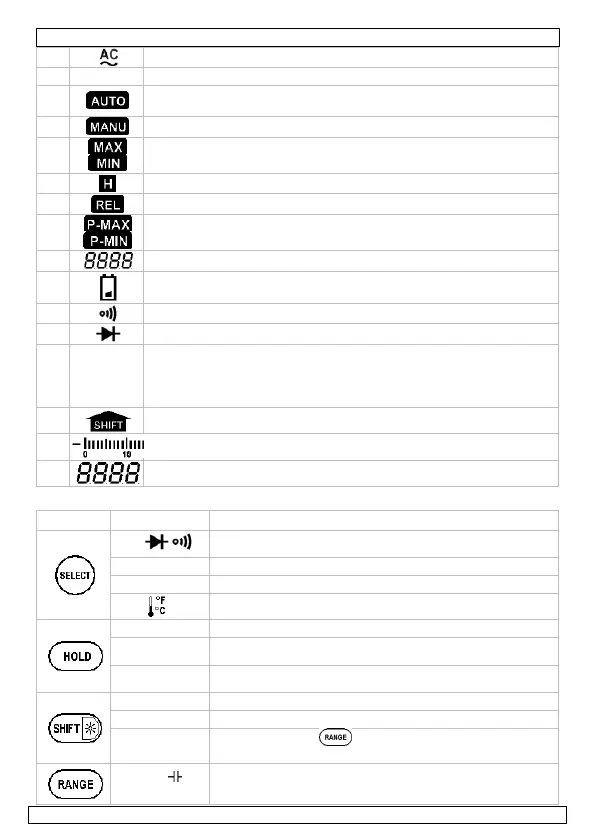
indicator for AC voltage or current
the meter is in the data transmission mode (DVM4100 only)
the meter is in the Auto range mode (automatically selects the
range with the best resolution)
the meter is in manual range selection mode
maximum/minimum data is displayed
the meter is in Data Hold mode
the meter is in Relative Measurement mode
maximum/minimum peak data is displayed
the meter is in Continuity Check mode
the meter is in Diode Test mode
6.3 Function keys
Switch between resistance measurement, diode test and
continuity test.
Switch between DC and AC current.
Switch between DC and AC voltage.
Switch between °C and °F.
Press to enter/exit Data Hold mode.
Press and hold for ±2s to start hold after a 6 seconds
time out.
Press and hold >2s while switching on the meter to
check LCD. Press again to clear display
Press and hold for ±2s to switch the backlight on/off.
Press to enable second function (peak mode).
Press then press to enter PC-Link mode. Repeat
to exit PC-Link mode.
Press to enter manual ranging mode and to scroll
through the different ranges. Press and hold for ±2s to
return to auto-ranging.


 To Next Page