LABPS3005D
V. 05 – 27/05/2015 8 ©Velleman nv
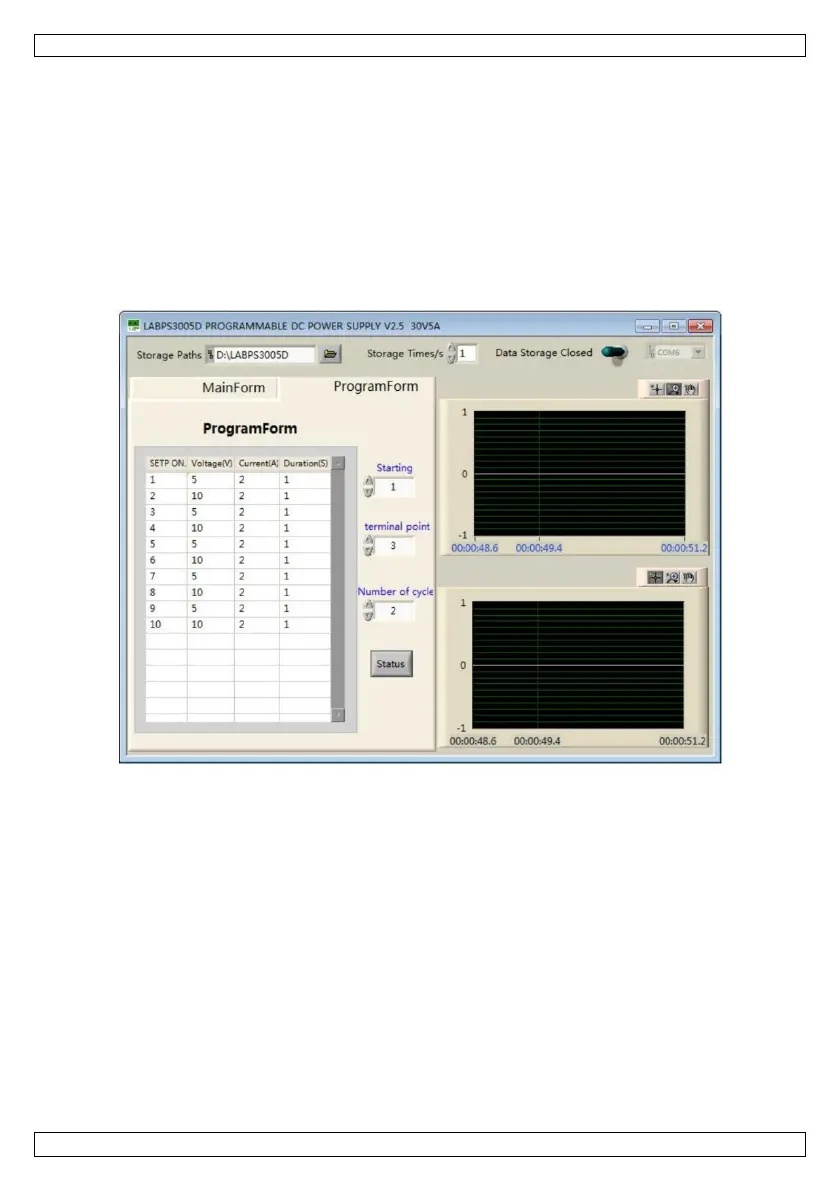
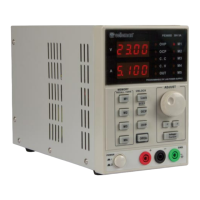
Setting windows for the voltage and current values. Change the value with the arrows.
Voltage Set/Current Set rotating knob
Setting knob for the voltage and current values.
Setting buttons (OCP: Over-Current Protection, OVP: Over-Voltage Protection).
Recalling buttons to recall the saved output parameters.
Displays the voltage wave curve.
Displays the current wave curve.
Timeout for every parameter.
Starting point of the programming output.
Ending point of the programming output.
Number of cycles of the programming output.
On-off button for the programming output.




 To Next Page