Need help?
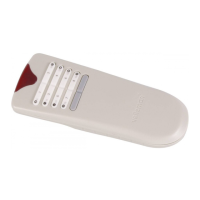
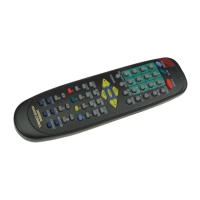
Do you have a question about the Velleman VRC1001 and is the answer not in the manual?
Information regarding the disposal of the device and its packaging to protect the environment.
Enter a 3-digit code and press POWER to operate the device. Repeat if incorrect.
Follow specific time limits for executing next steps during unit setup.
Press SET again to enable blinking LED for quick search mode.
Reverse the code search direction by pressing SET in Quick Search mode.
Observe time limits for executing steps during the Quick Search procedure.
Press device key again to confirm code after setting the first device.
Use SET, device key, SET, and POWER to set codes for other devices.
Retrieve the current code by observing LED flashes after pressing SET.
 General
| Brand | Velleman |
|---|---|
| Model | VRC1001 |
| Category | Remote Control |
| Language | English |

 To Next Page