CONTENTS
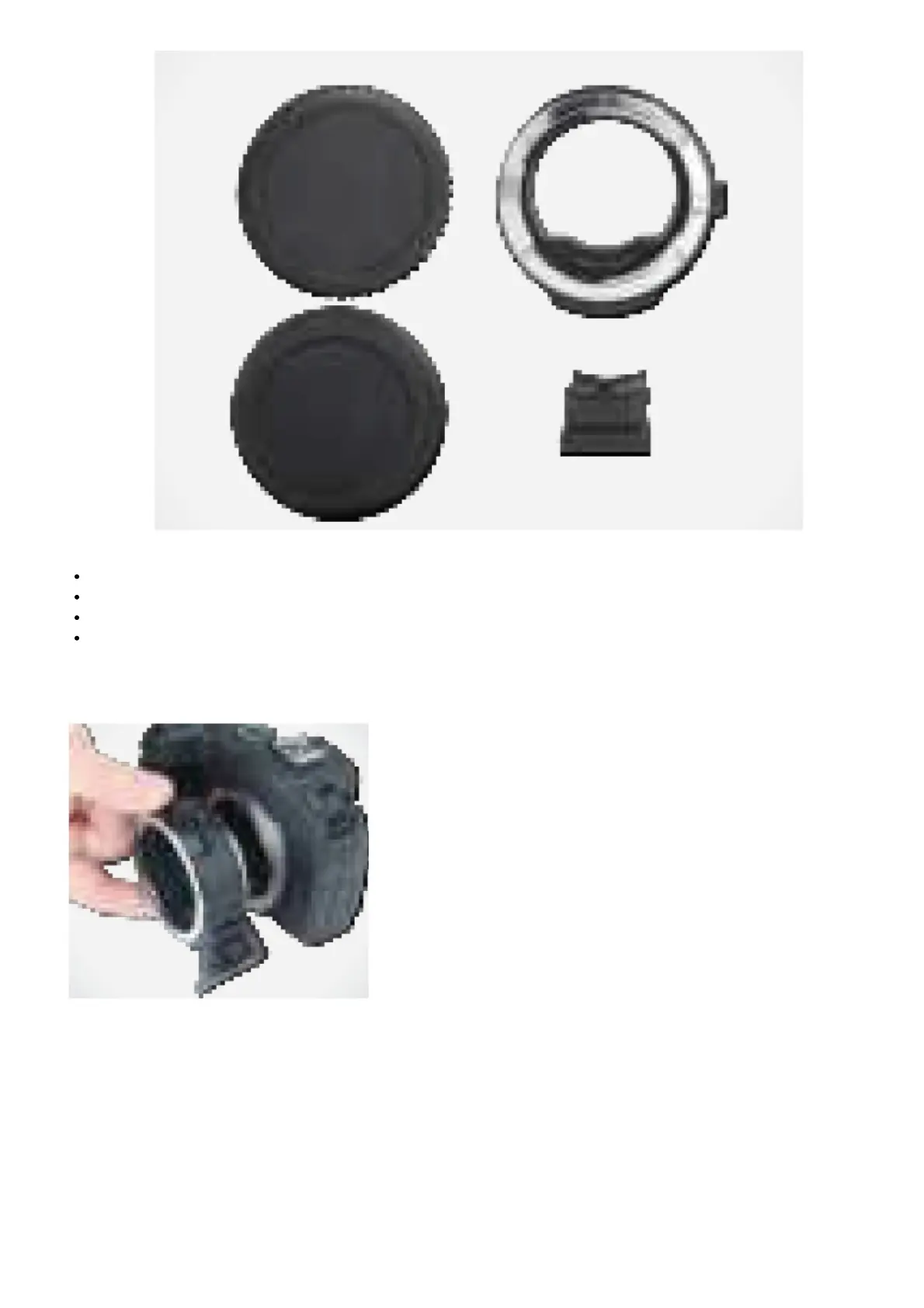
Vello LAE-CR-CEF Lens Adapter for Canon EF/EF-S lens to Canon RF mount
Front and Rear Caps
Removable Tripod Foot
User Manual
MOUNTING THE LENS ADAPTER
Note: Place the lens and camera on a stable, flat surface when mounting or removing the lens adapter.
1. Turn the camera’s power off.
2. Remove all caps before mounting.
3. Line up the alignment dots on the lens adapter and the camera.
4. Carefully insert the lens adapter into the camera, and rotate the adapter clockwise until it locks into place.



 To Next Page