5. Line up the alignment dot on the lens with the alignment dot on the lens adapter.
6. Carefully insert the lens into the lens adapter, and rotate the lens clockwise until it locks into place
REMOVING THE LENS ADAPTER
1. Turn the camera’s power off.
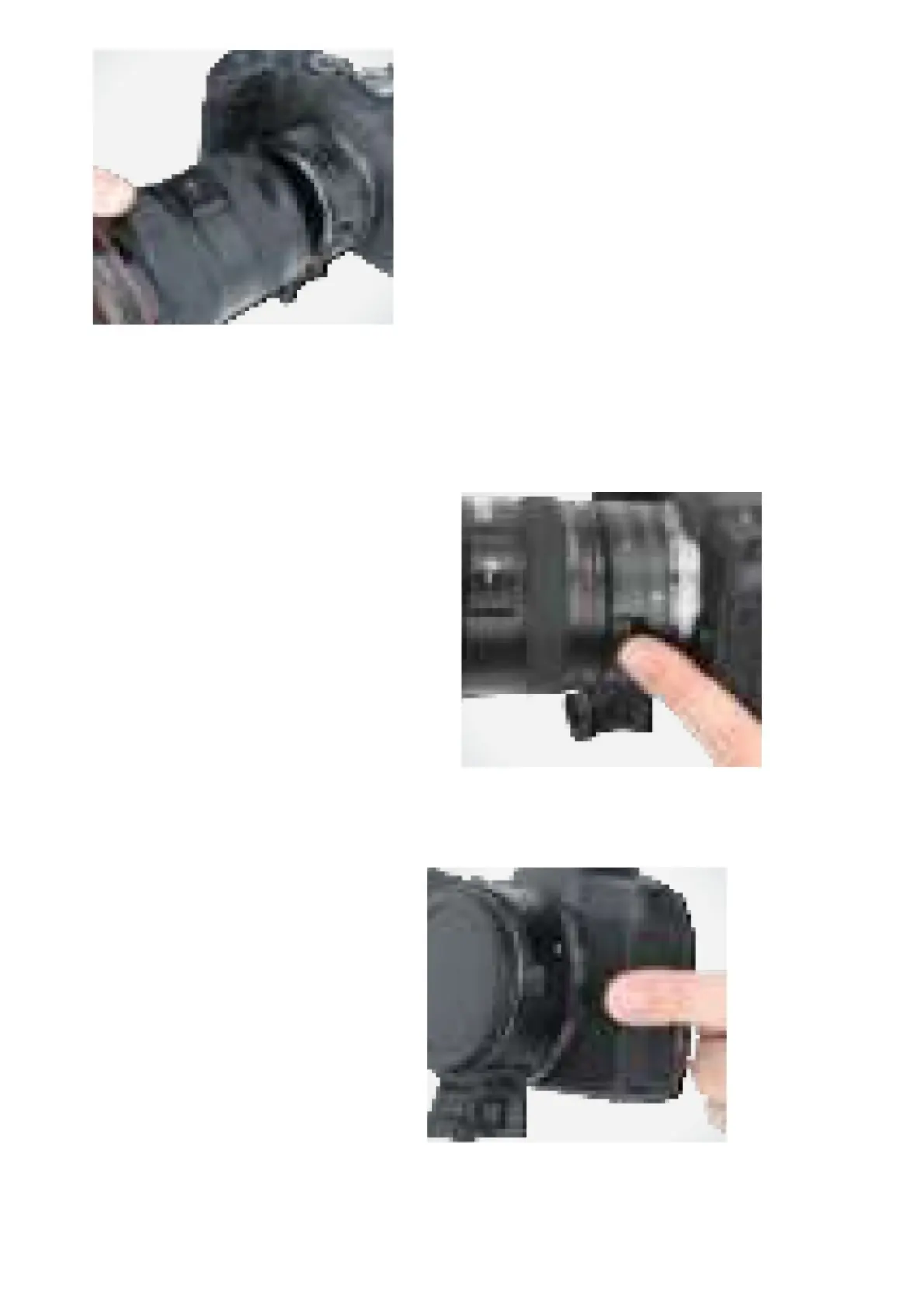
2. Press and hold the release pin on the lens adapter.
3. Rotate the lens counterclockwise to release, and carefully detach the lens from the lens adapter.
4. Reattach the front lens cap to the lens adapter.
5. Press and hold the lens release button on the camera.
6. Rotate the lens adapter counterclockwise to release, and carefully detach the lens adapter from the camera.
7. Reattach the back lens cap to the lens adapter.
REMOVING THE TRIPOD FOOT
To remove the tripod foot, rotate the mounting wheel counterclockwise until the foot is loose enough to remove from



 To Next Page