14
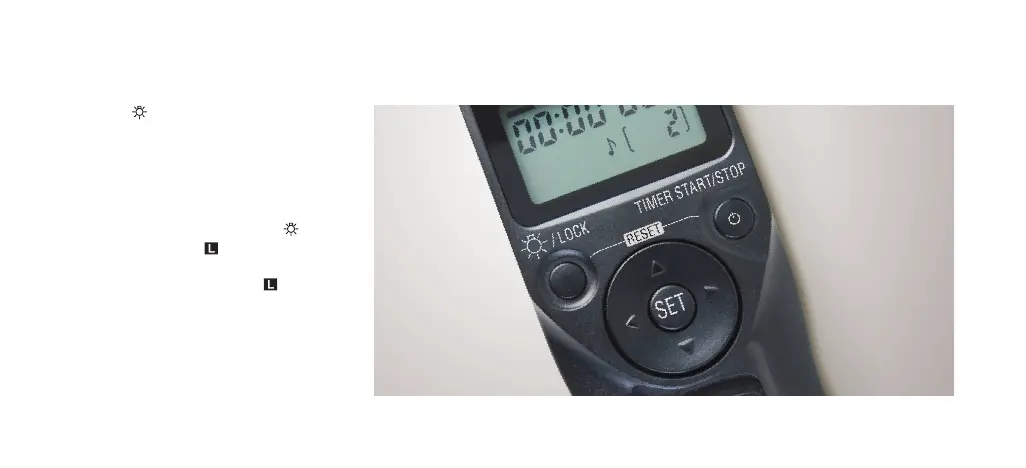
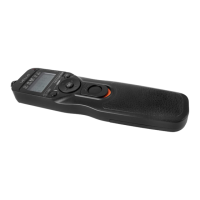
Press the /Lock button briefly to activate
the backlight on the display. The backlight will
remain lit for about 6 seconds. Pressing the
button again during backlighting will extend
the backlighting for another 6 seconds.
To lock all the controls, except the shutter
release button, press and hold the /
Lock button until the icon appears in
the display. To unlock, press and hold the
Backlight/Lock button until the icon
disappears.
BACKLIGHT/LOCK BUTTON


 To Next Page