14 VELUX
®
VELUX
®
15
KLI 310 universal for all INTEGRA products.
KLI models and set-up
To push the buttons, use a pointed tool.
The weel button “Open for registration”.
The rectangle button “Registrer”.
The KLI has two buttons used for advanced set-up:
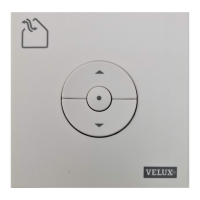
KLI 311 provided with every VELUX INTEGRA
®
skylight.
The icon indicates which products it can oper-
ate.
Note: KLI 311 for skylights cannot be Set-up
with blinds.
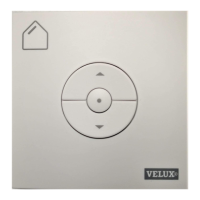
KLI 312 provided with every VELUX INTEGRA
®
blind.
The icon indicates which products it can oper-
ate.
Note: KLI 312 for blinds cannot be Set-up with
skylights.
The KLI provided with an INTEGRA product is pre-registered and needs
no additional set-up to operate the product.


 To Next Page