English
- 21 -
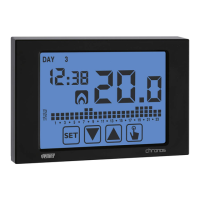
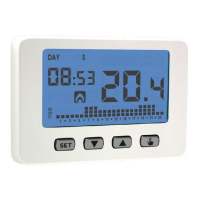
CHRONOS Programmable Thermostat User Manual
MANUAL OPERATION
During manual operation the instrument performs as a normal thermostat, adjusting
on the basis of the Tm temperature (manual setpoint), independently from the day and
UIFUJNFXIFSFJUJT
5IFNBOVBMPQFSBUJPOJTTJHOBMMFEXJUIUIFTXJUDIPOPGUIFTZNCPM
on field .
To move from the automatic operation to the manual one:
1. press for a short time the key
. In the field the setpoint (Tm) currently set
flashes
TFUUIFEFTJSFETFUQPJOUXJUIUIFLFZT
and BOEDPOmSNXJUIUIFLFZ
3. at this point on field the value of the environment temperature reappears and
the instrument operates in manual.
*GZPVXBOUUPDIBOHFUIFTFUQPJOU5NQSFTTUIFLFZ
and repeat the points 2 and 3.
To go back to the automatic operation press
for a long time
the key (about 3
seconds).
Automatic
operation
Manual setpoint
(Tm) setting
Manual operation
3s


 To Next Page
 Loading...