25EN
6 Switch automatic mode on or off by tapping the button.
ON: Indicator
on display flashes continuously and appliance
automatically adjusts the speed to the ambient humidity.
i
When you switch on automatic mode, the humidity indicator 2
displays the desired humidity (50 % pre-set), which flashes twice, then
the measured ambient humidity again.
OFF: Indicator on display lights up continuously and appli-
ance operates at selected speed 1 - 4.
Setdesiredhumidityto30-70 %:
Touch
-button 6 and hold for approx. 3 seconds until humidi-
ty indicator 2 flashes. Set the humidity you want using button 3
with - or + (in 5 % increments).
Touch
-button 6 again and hold for approx. 3 seconds until
humidity indicator 2 stops flashing and again indicates the
measured ambient humidity.
Please ensure that automatic mode is switched on. The indica-
tor on the display
flashes continuously.
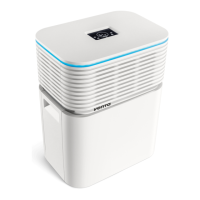
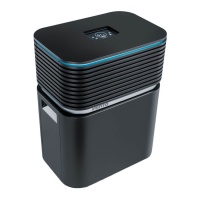
7 LED strip Continuous illumination signals that the appliance is
operating.
Continuous flashing signals that the appliance has
automatically switched off due to lack of water.
i
You can separately switch the LED strip 7 on and off during operation
by touching the sleep mode button 4 and holding for 3 seconds.


 To Next Page