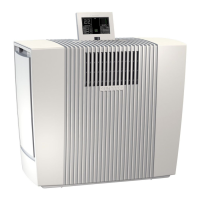
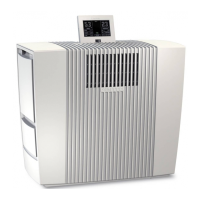
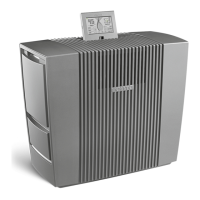
6GBVenta LP60
8 Child lock OFF/ON
Hold for 3 sec. to activate/deactivate the key lock.
9 Notes Display and conrmation of information messages.
Note/Interval Actions
A Filter Change Open the fragrance/lter compartment 3+7, remove
the pre-lter 5+9. Remove the VENTAcel lter 6+10
and replace it. Re-assemble the device and touch
the OK indicator in the display again and hold it for 3
seconds until it disappears.
The lifespan of the VENTAcel lter is 1 year (with 24/7 operation) and
depends on the number of operating hours and the air quality in the room
(a reminder will appear on the interactive display).
B Recommendation:
every 1–2 months
or as required
Open the fragrance/lter compartment 3+7, remove the
pre-lter 5+9 and vacuum or rinse it o. Please note: the
pre-lter must be completely dry before it is installed.
Re-assemble the appliance.
A B
CLEANING & MAINTENANCE
Attention! Make sure that the appliance is switched o and the
power plug is disconnected.
TROUBLESHOOTING
Problem Solution
Appliance does not function. Connect the power plug.
Connect the power cable coupling to the
appliance.
Please contact VENTA customer service if you are unable to eliminate a problem
with the help of this information:
Tel. +49 751 5008 88
service@venta-luftwaescher.de


 To Next Page