E - 21
Locating a specific title
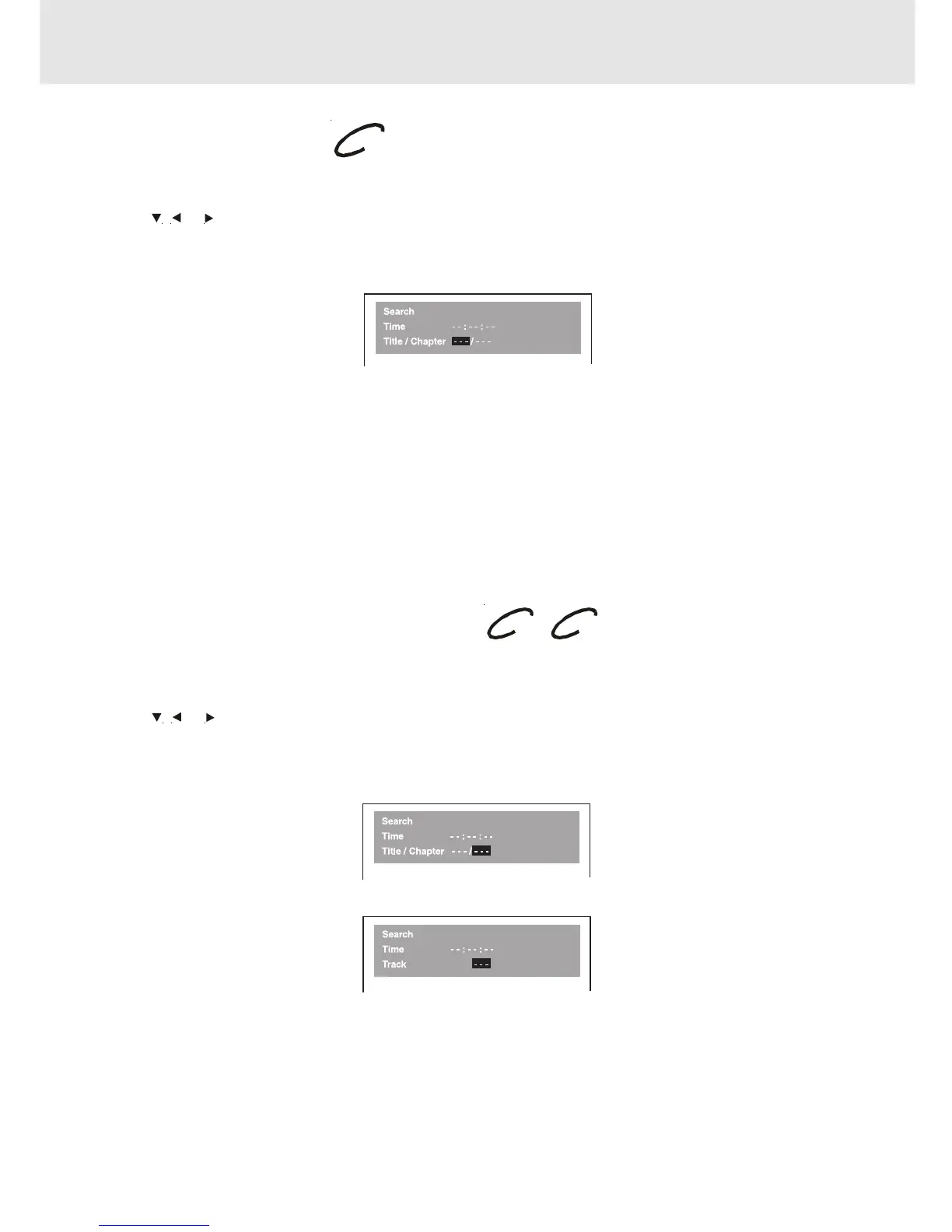
If a DVD disc contains title numbers, you can locate a specific title by directly selecting a title number.
1.In stop mode, press the GOTO button.
2.Press , or button to highlight a specific field and press the corresponding number button(s) for the title you
want.
3.Press the ENTER button to confirm. The Unit will start playback about 3 seconds later.
DVD CD
Locating a specific title / chapter / track
If you know the title / chapter / track number you want to play, you can locate a specifc title / chapter / track by directly
selecting a title / chapter / track number.
1.Press the GOTO button to search your desired title / chapter / track.
2.Press , or button to highlight a title / chapter / track and press the corresponding number button(s) for the
chapter you want.
3.Press the ENTER button to confirm. The Unit will start playback about 3 seconds later.
DVD
CD
(continued on next page)(continued on next page)
(continued on next page)(continued on next page)
(continued on next page)
Special Functions
DVD
Basic playback



 To Next Page