EasyManua.ls Logo

VENUS CONCEPT Venus Viva - User Manual

VENUS CONCEPT Venus Viva
53 pages
Print Icon
To Next Page IconTo Next Page
Loading...
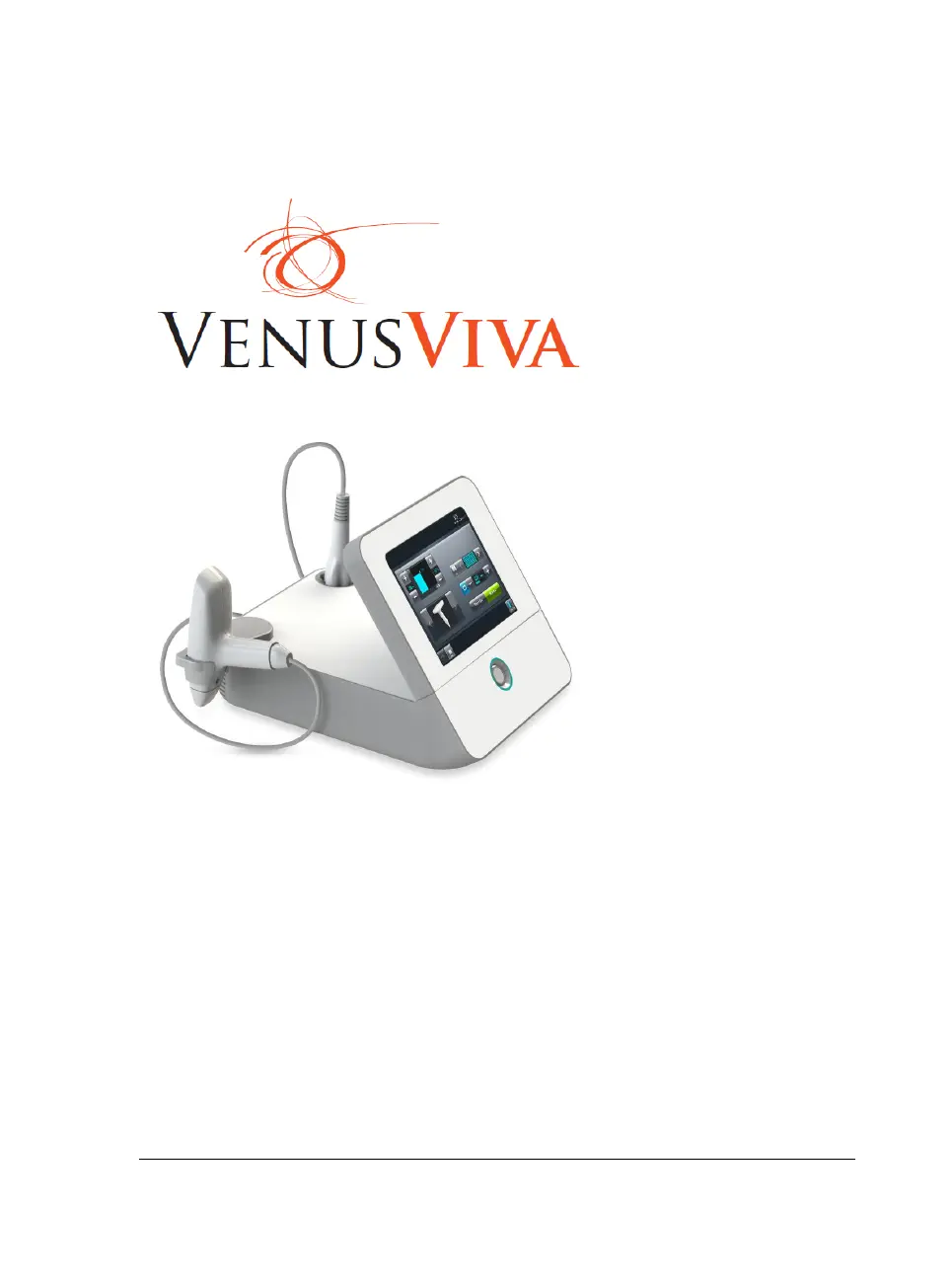
Venus VIVA User Manual Effective Date: 28.07.13 P/N: DCVIROW3 Rev.01
User Manual
International

Questions and Answers

  • J
    Jessica AndersonAug 17, 2025
    What to do if VENUS CONCEPT Venus Viva Personal Care Products has no power?
    • C
      Charles ReyesAug 17, 2025
      If your VENUS CONCEPT Personal Care Products unit has no power, check the power cable to ensure it is properly inserted into both the wall socket and the system inlet. Also, verify that the main front switch is in the "on" position. If the problem persists after checking these, contact your local distributor.
  • L
    Leonard BennettAug 19, 2025
    What to do if VENUS CONCEPT Venus Viva has no display?
    • C
      cwardAug 19, 2025
      If there is no display on your VENUS CONCEPT Personal Care Products, first, ensure the system is turned "ON" using the front panel switch. Next, check the power cable to confirm it's properly connected to both the wall socket and the system inlet. If the display remains off, try restarting the system by turning it off for two minutes, then turning it back on. If the issue continues, contact your local distributor.
  • D
    Darlene SmithAug 22, 2025
    What to do if VENUS CONCEPT Venus Viva fuse is blown?
    • J
      Jane LopezAug 22, 2025
      If the fuse is blown in your VENUS CONCEPT Personal Care Products, first disconnect the system from the wall electricity. Locate the inlet with the fuse box on the rear panel. Use a flat screwdriver to pull out the fuse drawer. Remove the two fuses and check if they are burnt. Replace the fuses if necessary.
  • B
    Bradley BrownAug 25, 2025
    What to do if VENUS CONCEPT Venus Viva Personal Care Products touch screen does not respond?
    • M
      Matthew Hanson IVAug 25, 2025
      If the touch screen on your VENUS CONCEPT Personal Care Products is unresponsive, try restarting the system. Turn the system off for two minutes, and then turn it back on. If the screen still does not respond, contact your local distributor.
  • A
    Angela SimsAug 27, 2025
    Why VENUS CONCEPT Venus Viva applicators have no energy?
    • L
      Lori BeardAug 28, 2025
      If there is no energy in the applicators of your VENUS CONCEPT Personal Care Products, ensure that the applicators are connected properly. If the applicators are correctly connected and there is still no energy, contact your local distributor.
  • C
    Christina CostaAug 30, 2025
    What to do if VENUS CONCEPT Personal Care Products shows error can't read configuration file?
    • C
      Chad FitzpatrickAug 30, 2025
      If the message "Error - Can't Read Configuration File" appears on the screen of your VENUS CONCEPT Personal Care Products, restart the system by turning it off for two minutes and then turning it back on. If the message continues to appear, contact your local distributor.
  • S
    Sandra MortonSep 2, 2025
    What to do if VENUS CONCEPT Venus Viva shows error can't read language file?
    • C
      carrolljasonSep 2, 2025
      If the message "Error - Can't Read Language File" appears on the screen of your VENUS CONCEPT Personal Care Products, restart the system by turning it off for two minutes and then turning it back on. If the message still appears, contact your local distributor.
  • P
    Paula WatkinsSep 4, 2025
    What to do if VENUS CONCEPT Personal Care Products machine is locked?
    • T
      Tiffany FreemanSep 5, 2025
      If the message "The Machine is Locked - Please Contact Your" appears on the screen of your VENUS CONCEPT Personal Care Products, restart the system by turning it off for two minutes and then turning it back on. If the message still appears, contact your local distributor.
  • A
    Alex JohnsonSep 7, 2025
    What to do if VENUS CONCEPT Personal Care Products shows end of treatment message?
    • Z
      zimmermanmatthewSep 7, 2025
      If the message "End of Treatment - Press Confirm to Continue" appears on the screen of your VENUS CONCEPT Personal Care Products, set the treatment time and then press the start button to begin the treatment.
  • J
    Jasmine Wong DDSSep 10, 2025
    What to do if VENUS CONCEPT Venus Viva shows set new login code failed message?
    • J
      Jack WillisSep 10, 2025
      If the message "Set New Login Code Failed - Please Try Again" appears on the screen of your VENUS CONCEPT Personal Care Products, remember that to set a new login code, the operator must enter the new login code twice, and it must be identical each time. If the codes do not match, the login code will not be replaced. Try setting the login code again, ensuring the codes match.

Summary

Safety

The Operator

Guidelines and responsibilities for system operators.

System Installation

Operating the System

Login Screen

Process for accessing the system using a login code.

Treatment Screen

Overview of the main interface for treatment control.

Activation Code Button

Functionality to extend device use via activation codes.

Treatment Procedures

Exclusion Criteria

Conditions that prevent a patient from receiving treatment.

Treatment Procedure

Step-by-step guide for performing the treatment.

Maintenance

Troubleshooting

Technical Specifications

VENUS CONCEPT Venus Viva Specifications

General IconGeneral
TechnologyFractional RF and NanoFractional RF
ApplicatorsNanoFractional RF
Treatment AreasFace, Neck, Décolletage, Body
RF EnergyAdjustable
Energy DensityAdjustable
Pulse DurationAdjustable
Energy DeliveryFractional
IndicationsAcne Scars
Skin TypesAll skin types

Related product manuals